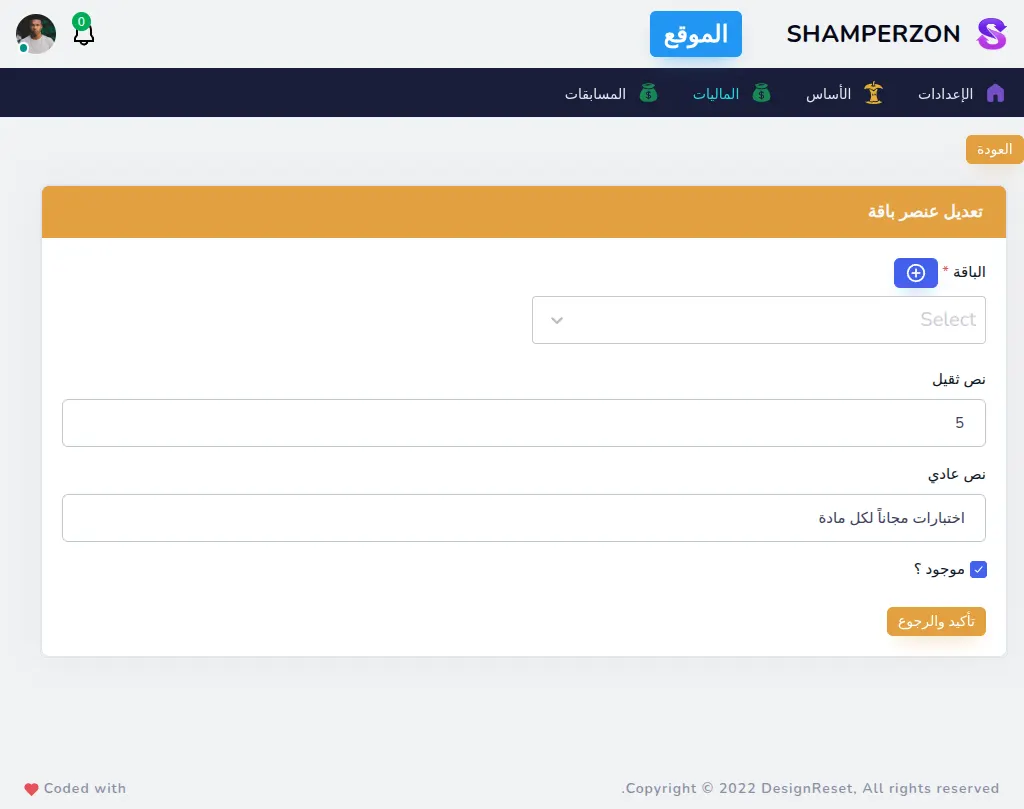
Shamperzon Website Preview and Explanation
Shamperzon is a full-stack educational platform designed to make online assessments more interactive, competitive, and insightful for both students and educators. The system combines real-time multiplayer quiz mechanics with structured exam workflows, allowing teachers to create, manage, and monitor exams while giving students an engaging testing experience.
Built with SvelteKit on the frontend and Laravel on the backend, the platform focuses on performance, scalability, and real-time communication. Features like live leaderboards, timed exams, and multiplayer quiz sessions are powered by WebSockets, ensuring low-latency updates and a smooth user experience.
The application supports multiple roles — including students, teachers, parents, and administrators — each with tailored permissions and dashboards. Teachers and parents can track student progress, monitor exam activity, and gain actionable insights, while administrators maintain full control over the platform.
This project demonstrates my ability to architect and build complex full-stack applications, design real-time systems, implement secure authentication flows, and deliver production-ready software.
Stack used
- HTML
- CSS
- JavaScript
- Bootstrap5
- TypeScript
- Svelte
- SvelteKit
- NodeJS
- PHP
- Laravel
- MySQL
- GIT
- SocketIO
- Redis
- Paymob
Most Important Features
- Exams
- Online Multiplayer Quiz Game
- Email password Auth
- Google OAuth2 Auth
- Game Preview
- Game Leaderboard
- Exams Preview
- Exams With Timer
- Dynamic Creation of Exams
- Videos for every Question
- Students , Teachers and Parents accounts
- Teachers and Parents can monitor Students Exams
- Online payment gateway (paymob)
- Admin Dashboard
- Authorization Using spatie roles-permissions
- Self Developed Text Editor
ScreenShots
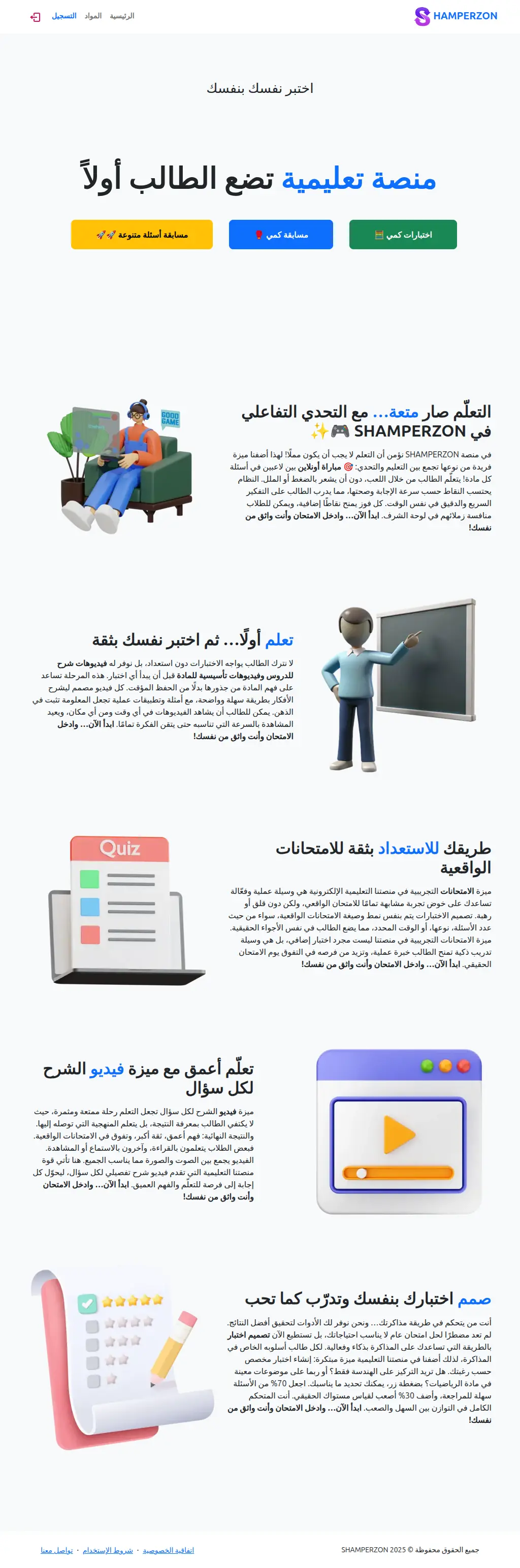
Home Page
The landing page of the website provides explanation of the website features and simple navigation
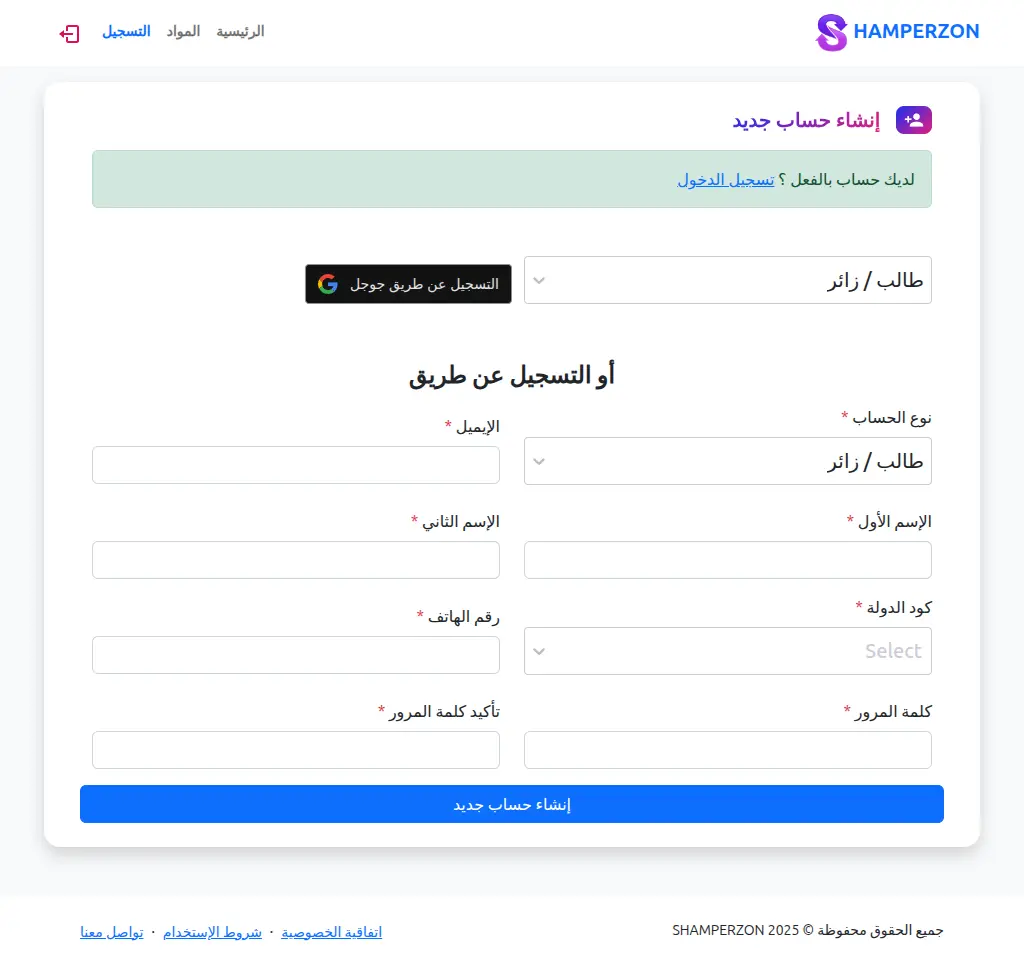
Register a new Account Page
The register page you can register using these types of registering
- Google auth
- Email - password
You can choose account type, The available types are:
- Student ⟶ can take exams
- teacher ⟶ can take exams and monitor students exams
- parent ⟶ monitor students exams
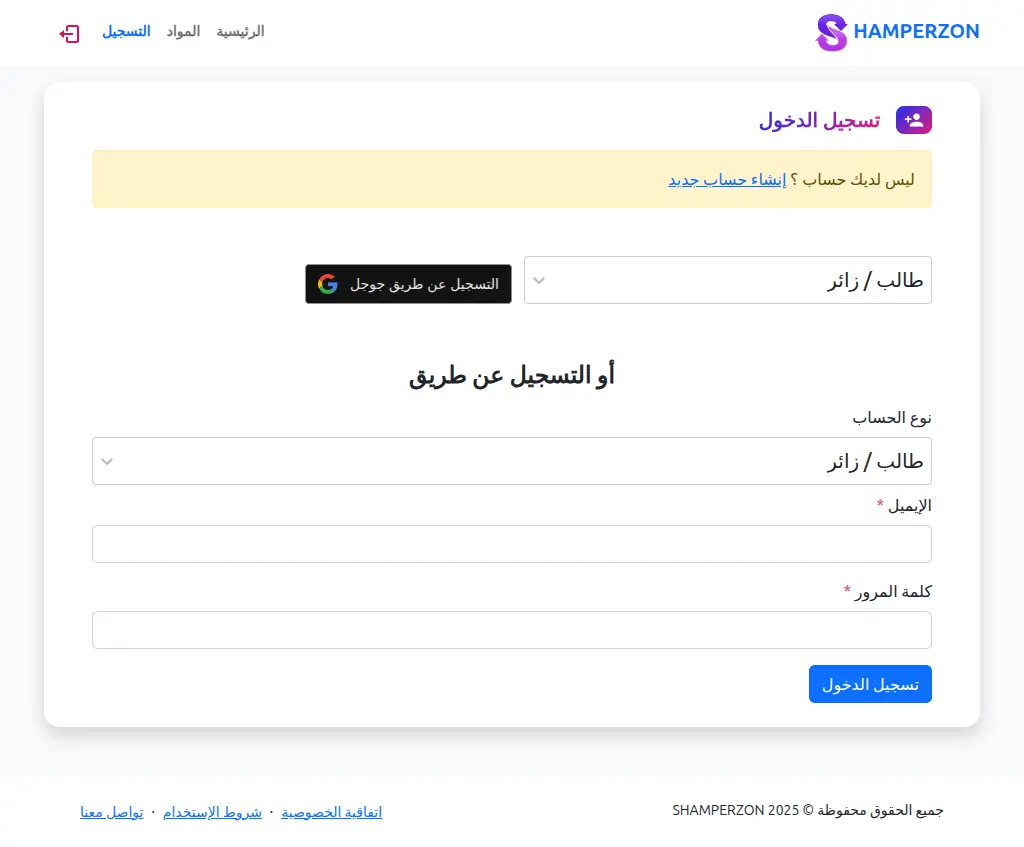
Login With an Existing Account Page
The login page you can login using these types.
- Google auth
- Email - password
You can choose account type, The available types are:
- Student ⟶ can take exams
- teacher ⟶ can take exams and monitor students exams
- parent ⟶ monitor students exams
Subjects page
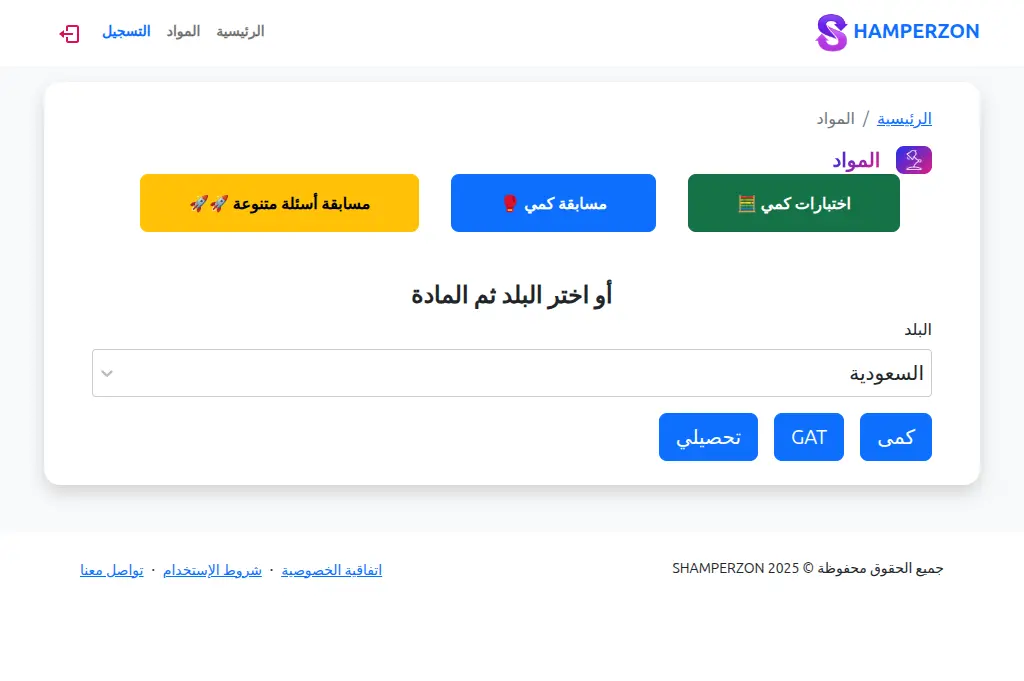
From the navigation you can go to subjects page which has some quick links or you can choose the country then choose the subjects that are under that country.
Single Subject page
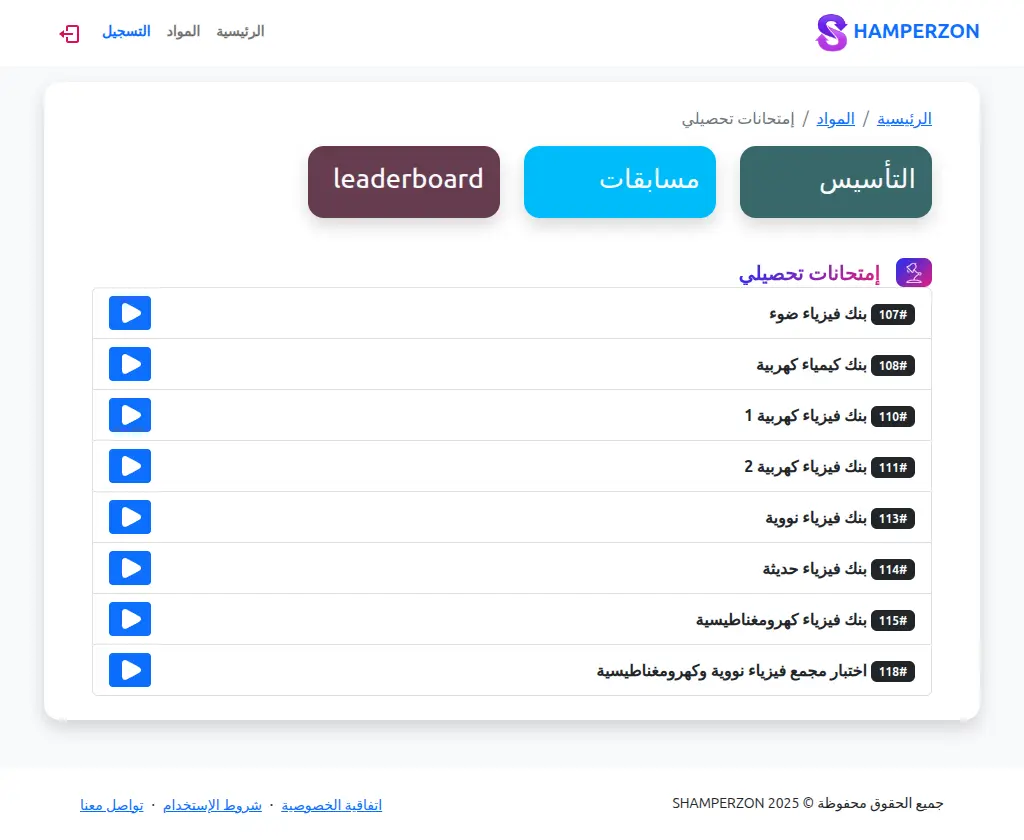
The subject page has three links top:
- courses (التأسيس) for educational videos before the exams
- Competition - Games
- Leaderboard
And then in the end there is the available exams.
Exam Question page
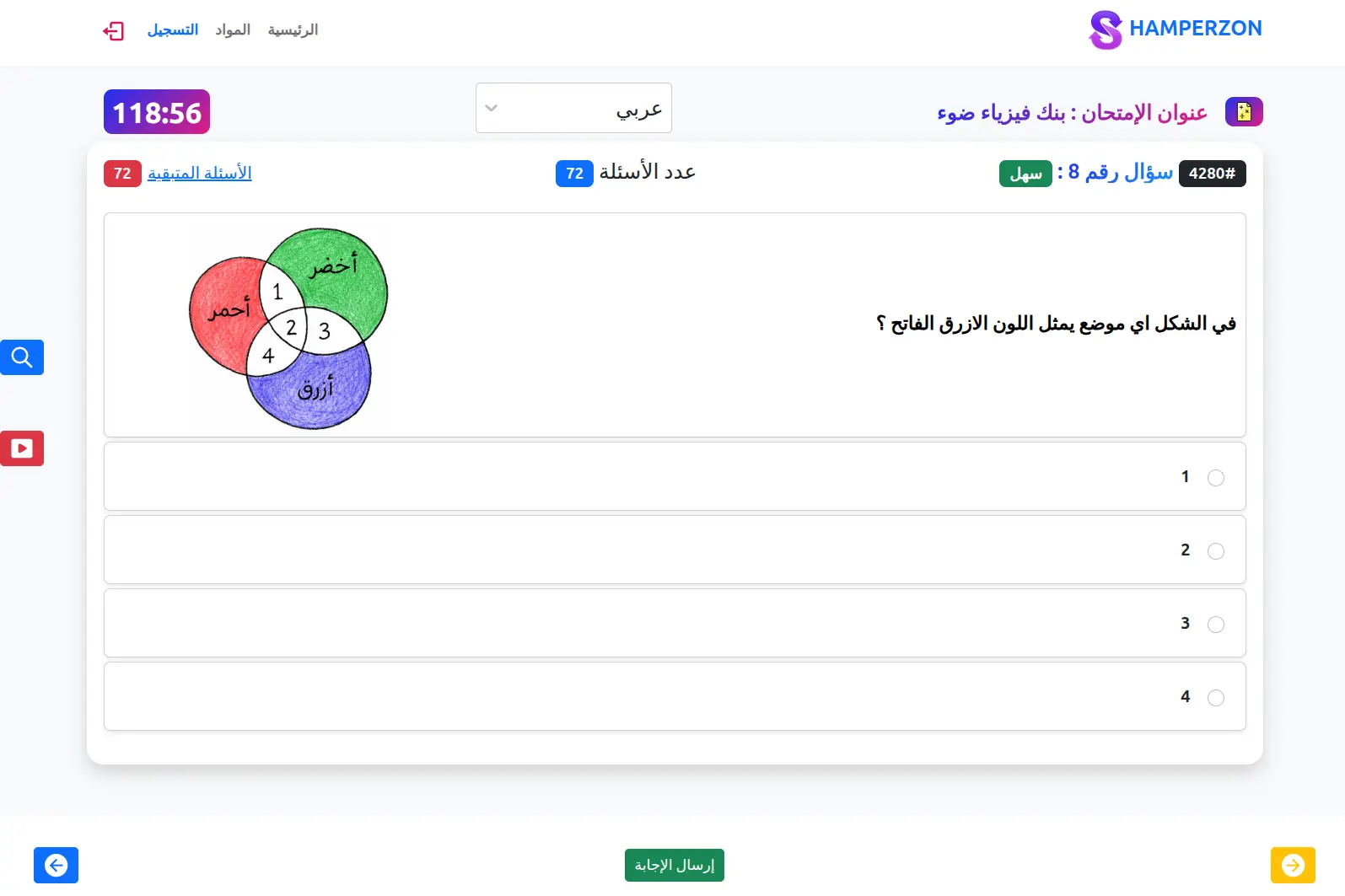
What this page has:
- question number
- question difficulty
- questions count
- remaining questions count
- timer
- rtl - ltr changer
- you can answer the question
- you can navigate the exams questions
- there is a zoom button to zoom the image
- there is a video button for a video explanation
- the exams opens on the last unsolved question
- the remaining questions count is clickable it goes to the first unsolved question
Games page
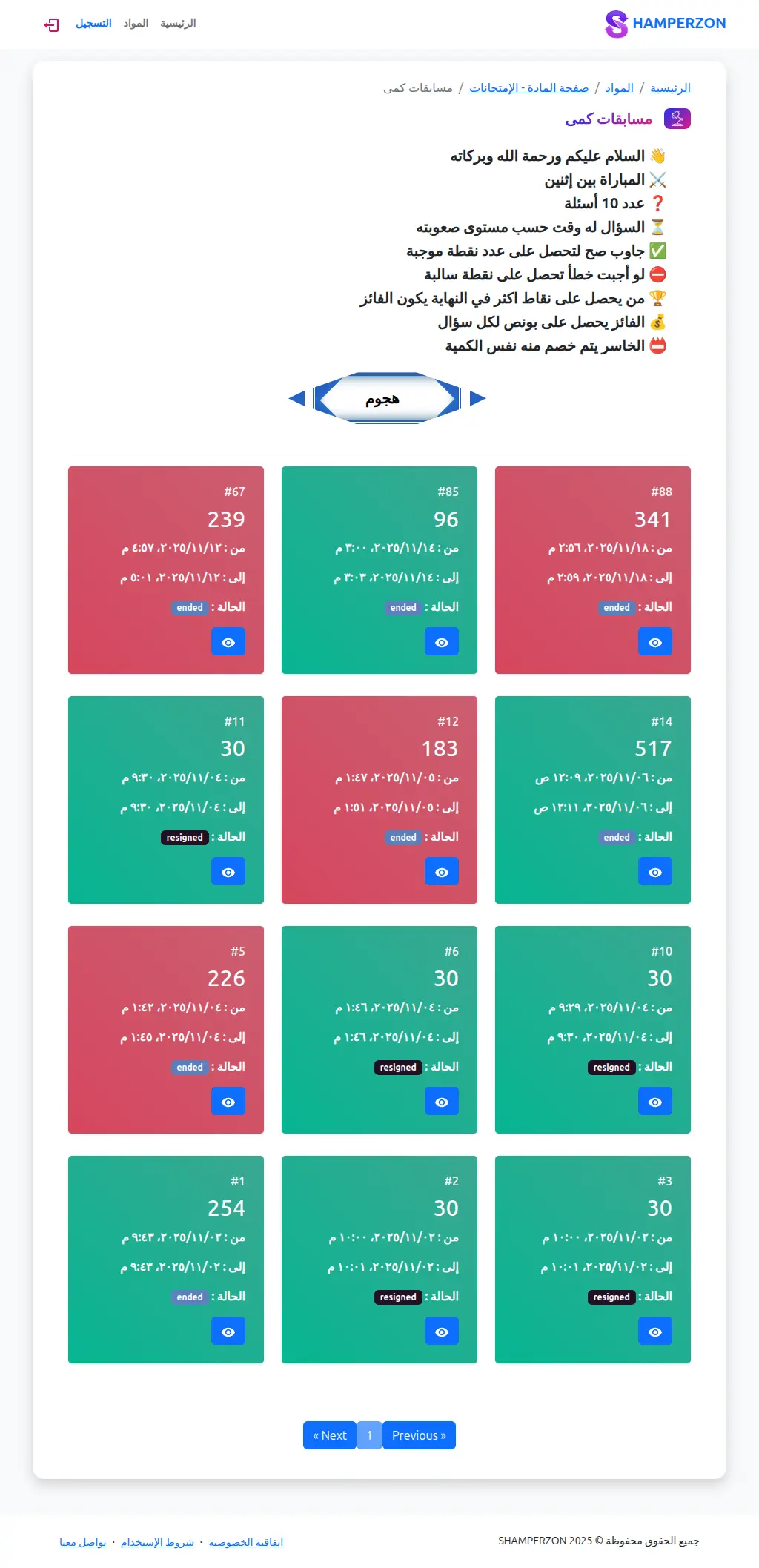
What this page has:
- game instructions
- previous games
- an attack button to search for players online and math a game
Game preview page
What this page has:
- questions of the game
- every player’s answer
- meta data about the game
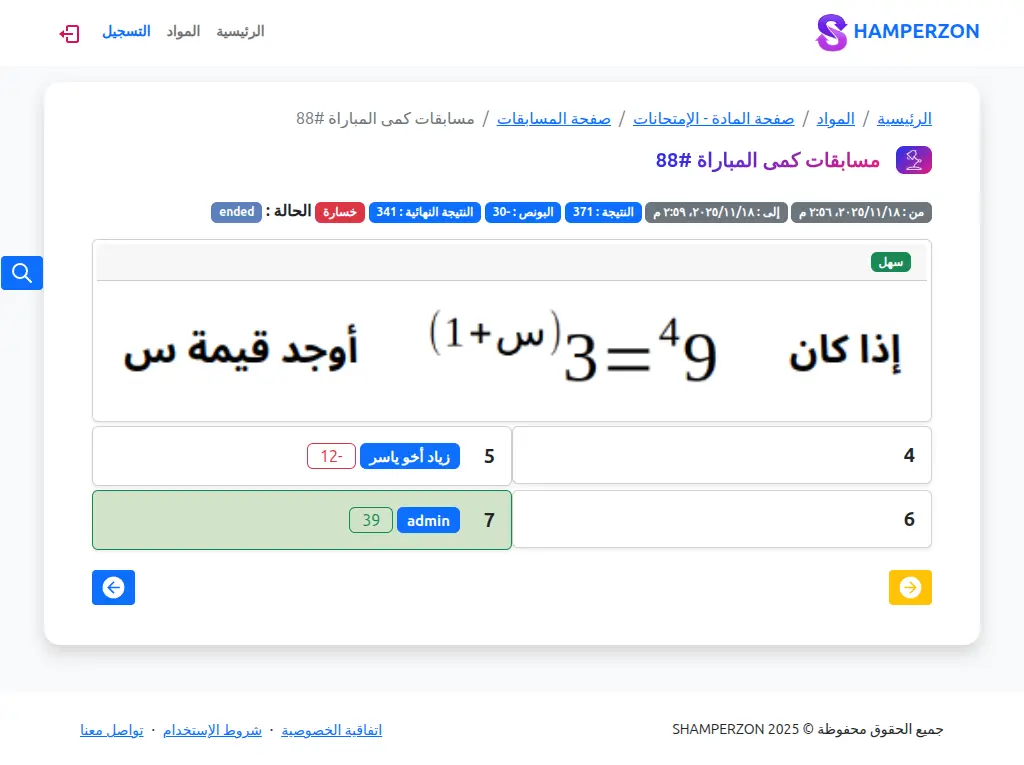
Game playing page
What this page has:
- question of the game
- the game is connected with a websocket server built in nodejs using SocketIO
- you can answer
- your score and the other players score
- if you or your opponent finishes the question first the game ends and the score is calculated
- if one of the players disconnects or quits the game ends and the disconnected player loses.
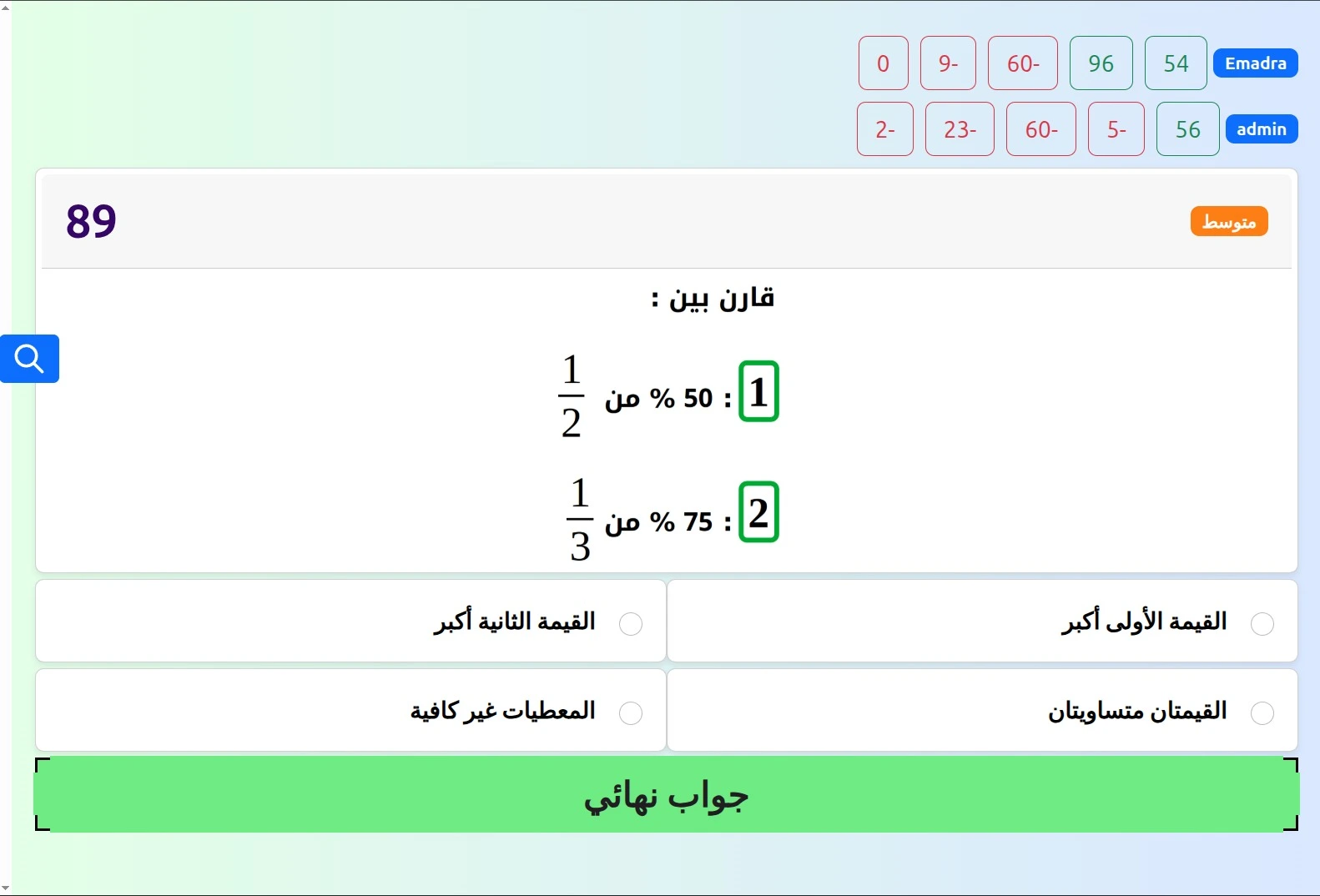
Game playing page
What this page has:
- question of the game
- the game is connected with a websocket server built in nodejs using SocketIO
- you can answer
- your score and the other players score
- if you or your opponent finishes the question first the game ends and the score is calculated
- if one of the players disconnects or quits the game ends and the disconnected player loses.
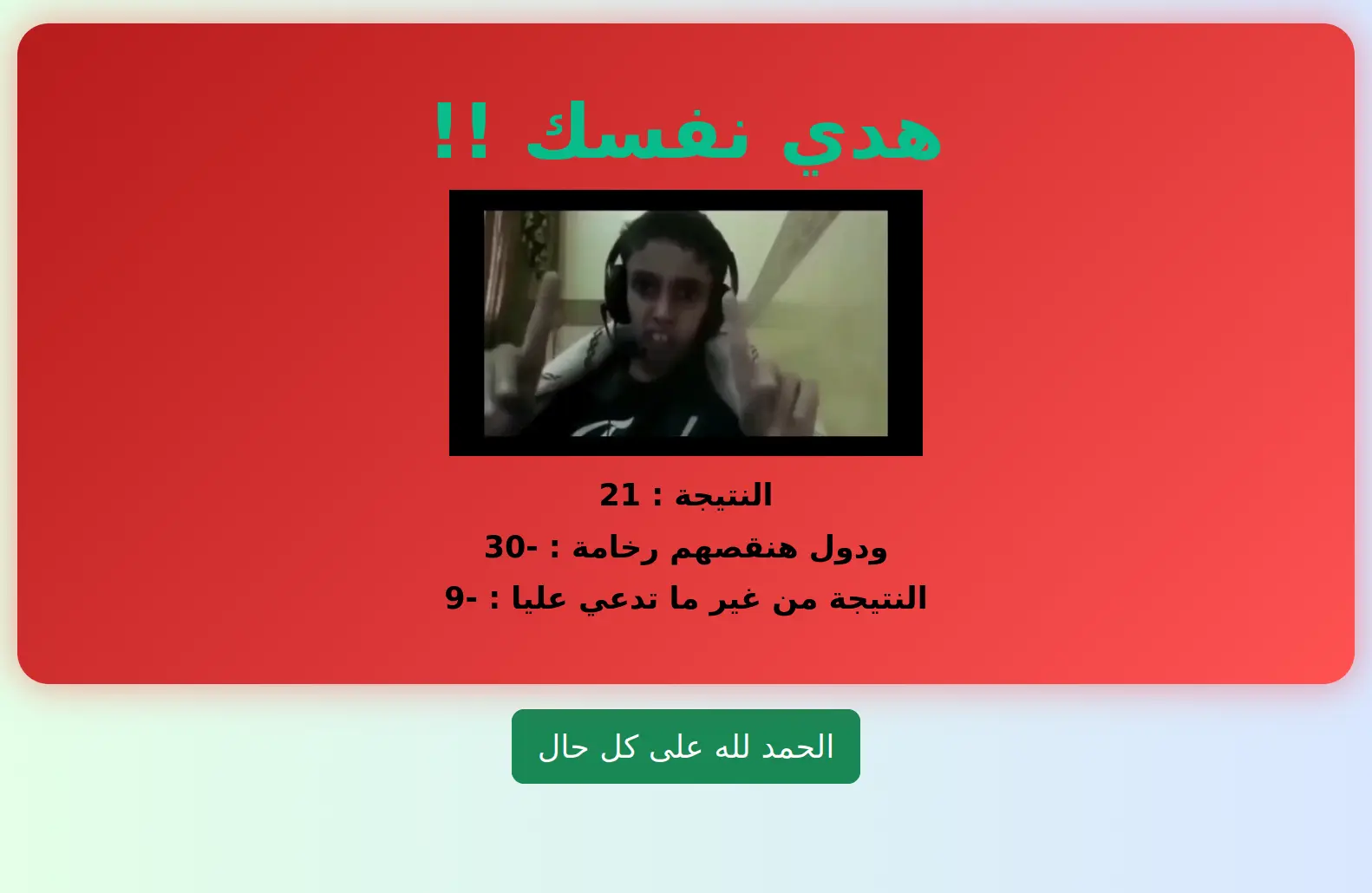
Loss of the game screen
What this page has:
- if you lose you get the losing screen
- with a meme for good fun 😁
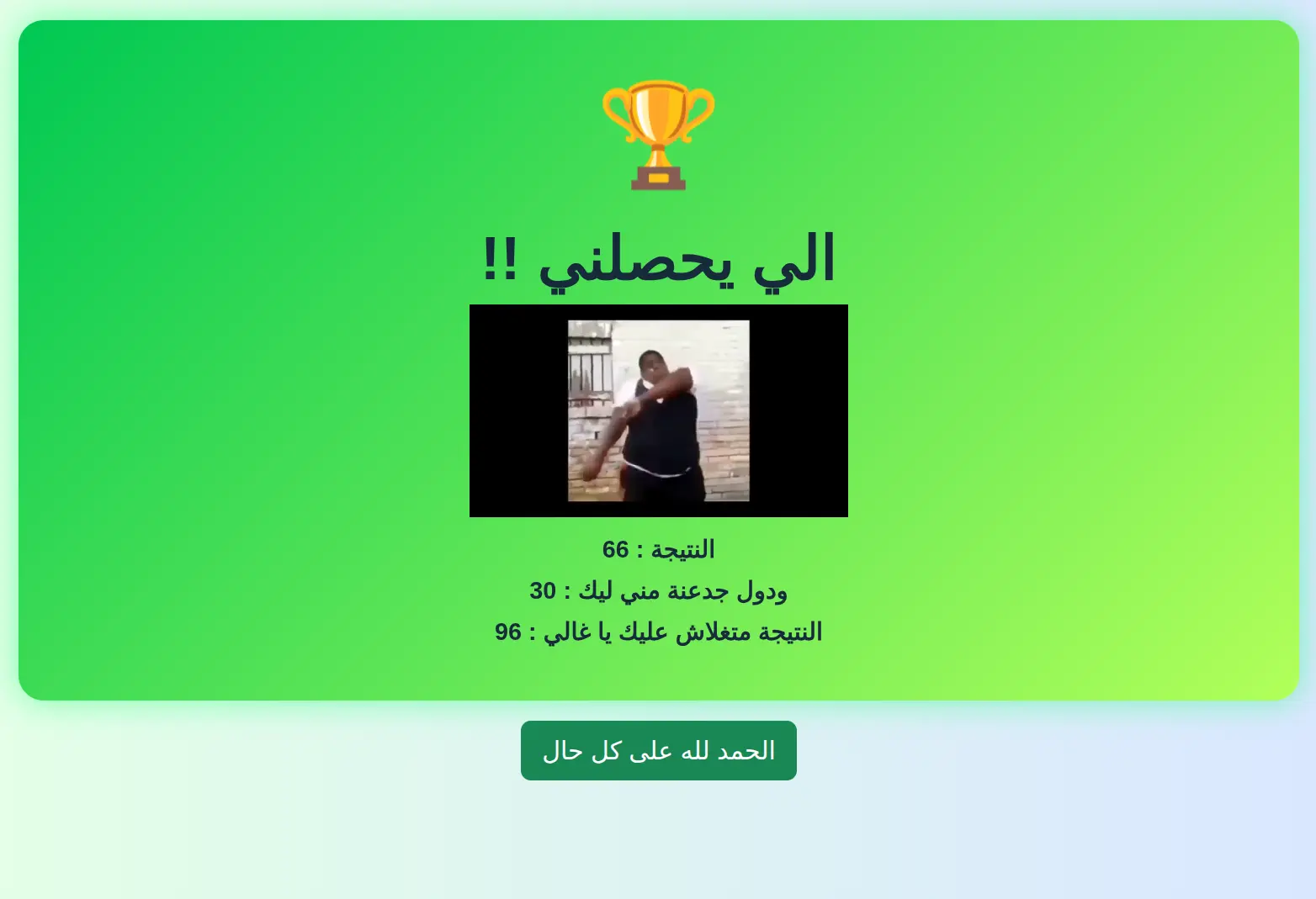
Winning screen
What this page has:
- if you win you get the Winning screen
- with a meme for good fun 😁
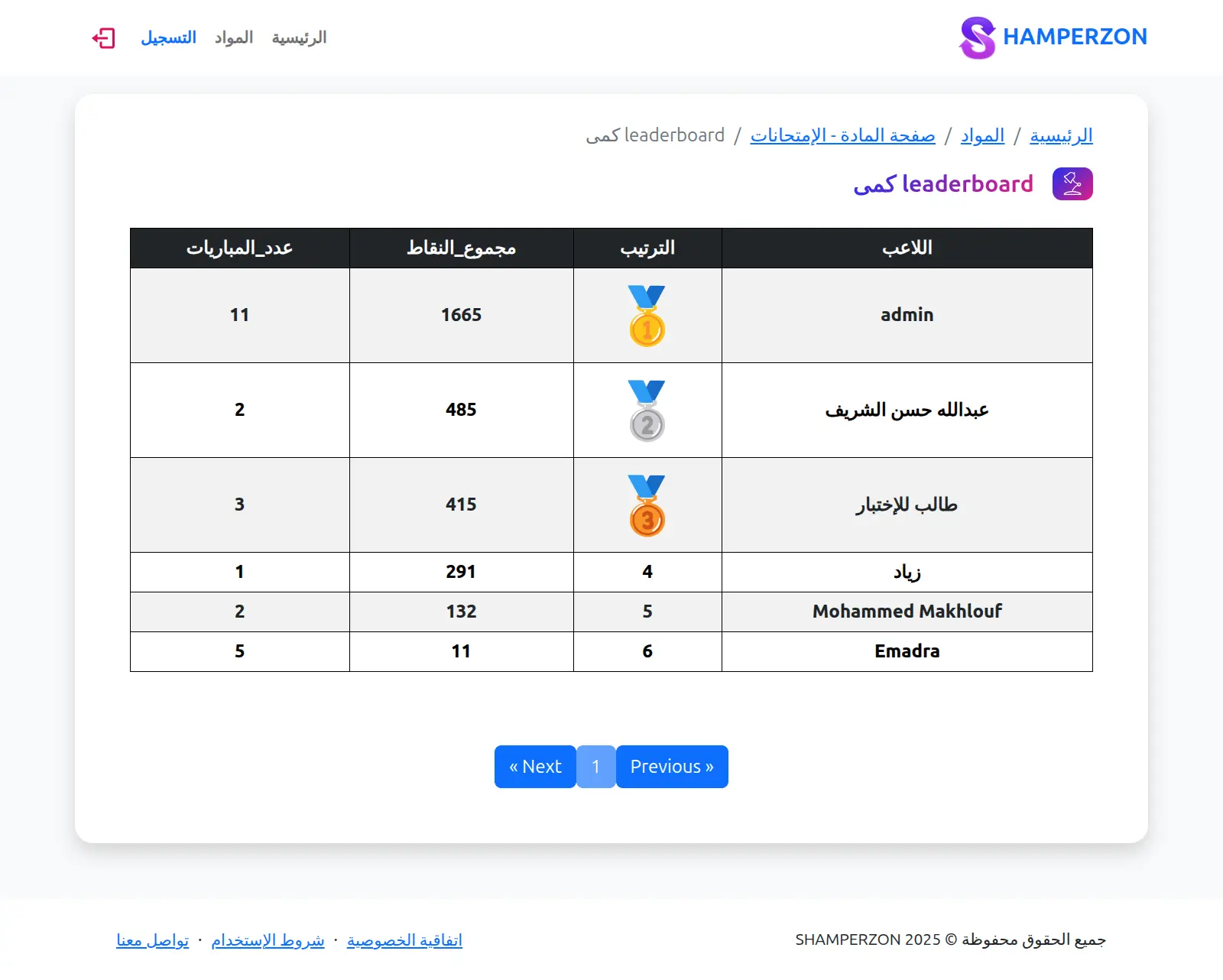
Leaderboard
What this page has:
- The leaderboard of the game
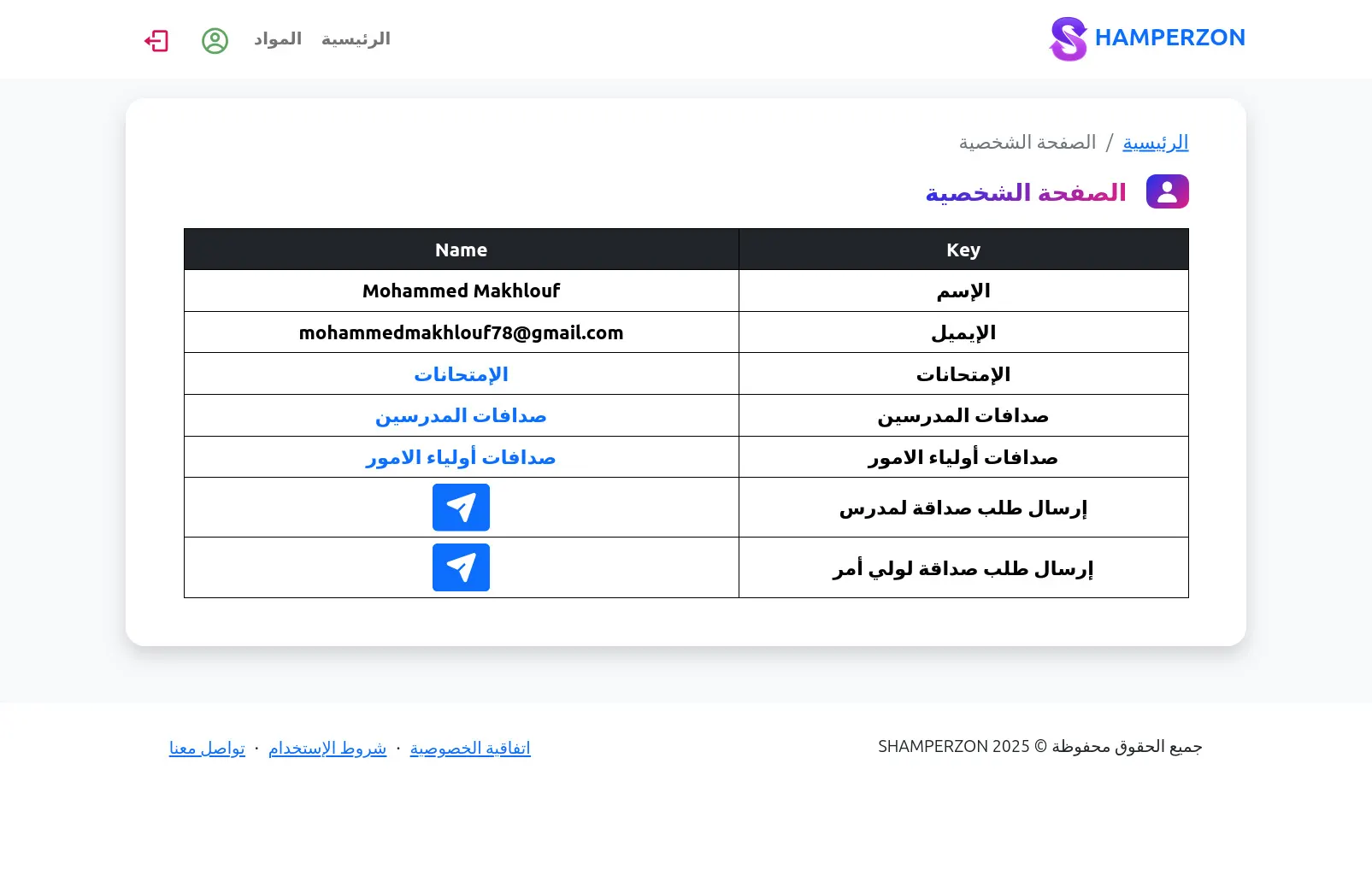
Profile Page
What this page has:
- the data about the logged in user
- a link to his exams
- a link to show all of his teachers friend requests and their status
- a link to show all of his parents friend requests and their status
- a button to send a friend request to a teacher using his unique number
- a button to send a friend request to a parent using his unique number
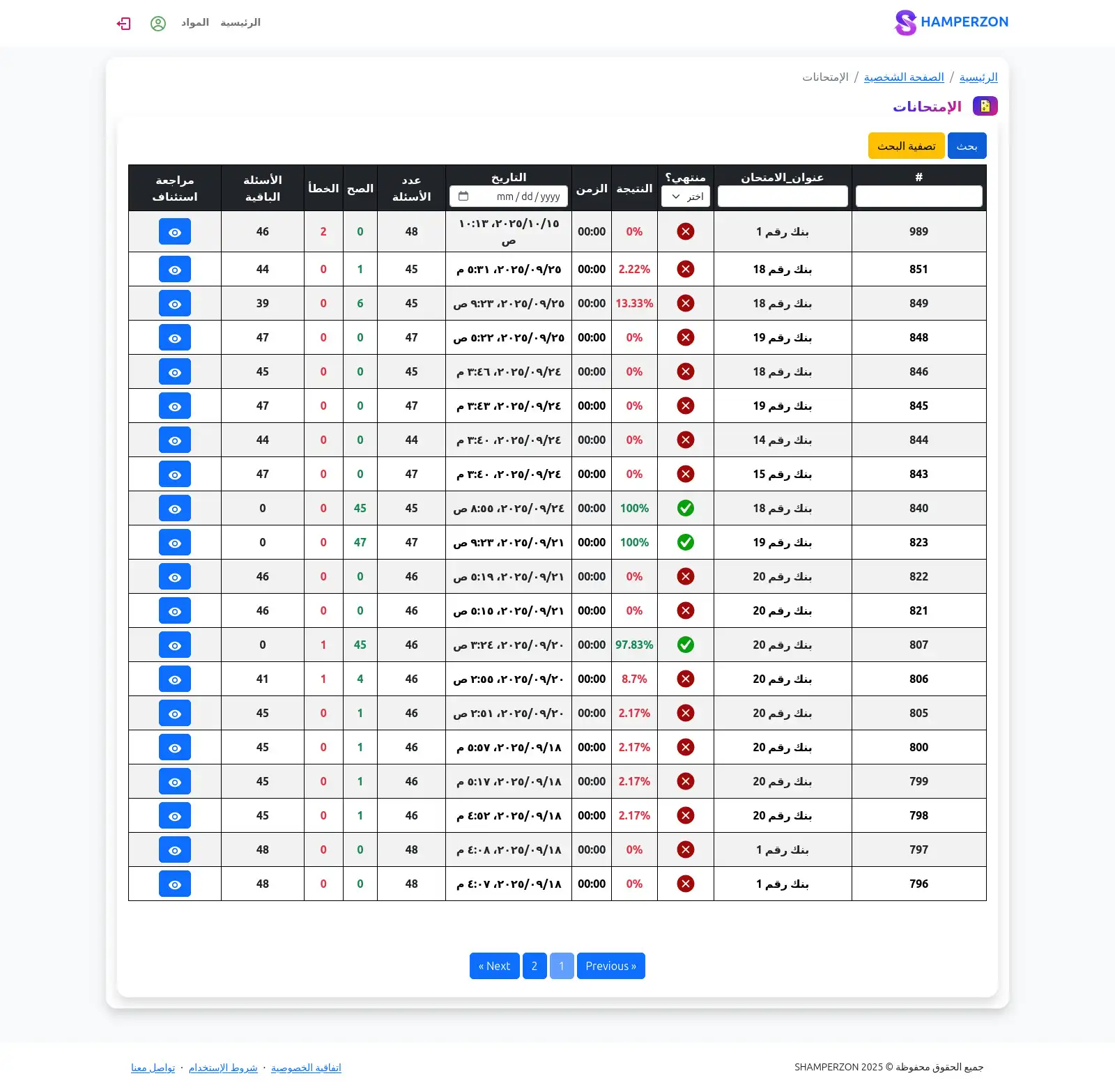
Profile Exams
What this page has:
- the exams that the user enrolled in
- a button to review or continue an unfinished exams
- the meta data about every exams
- ability to filter exams
- pagination for the exams
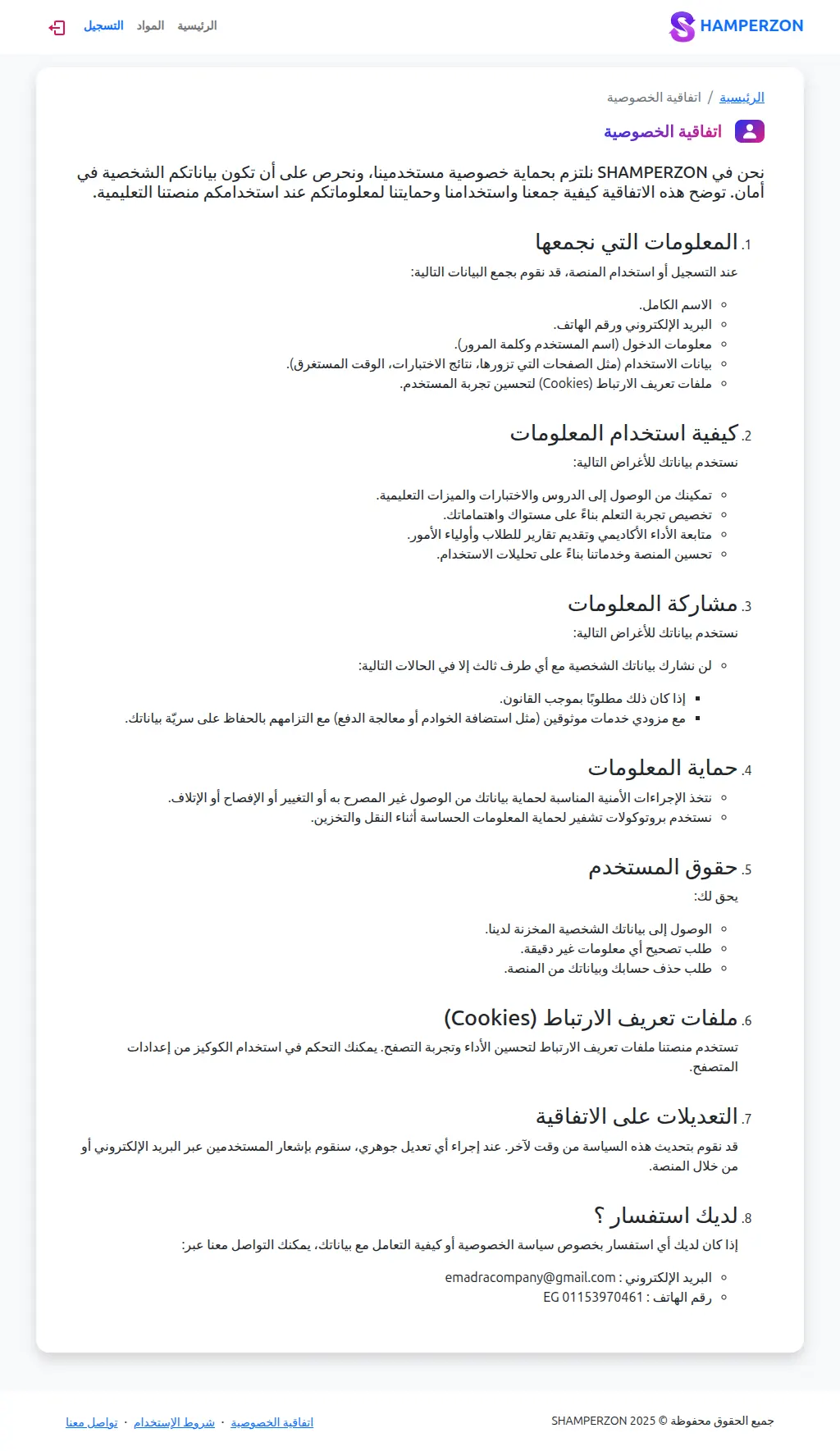
Privacy Page
What this page has:
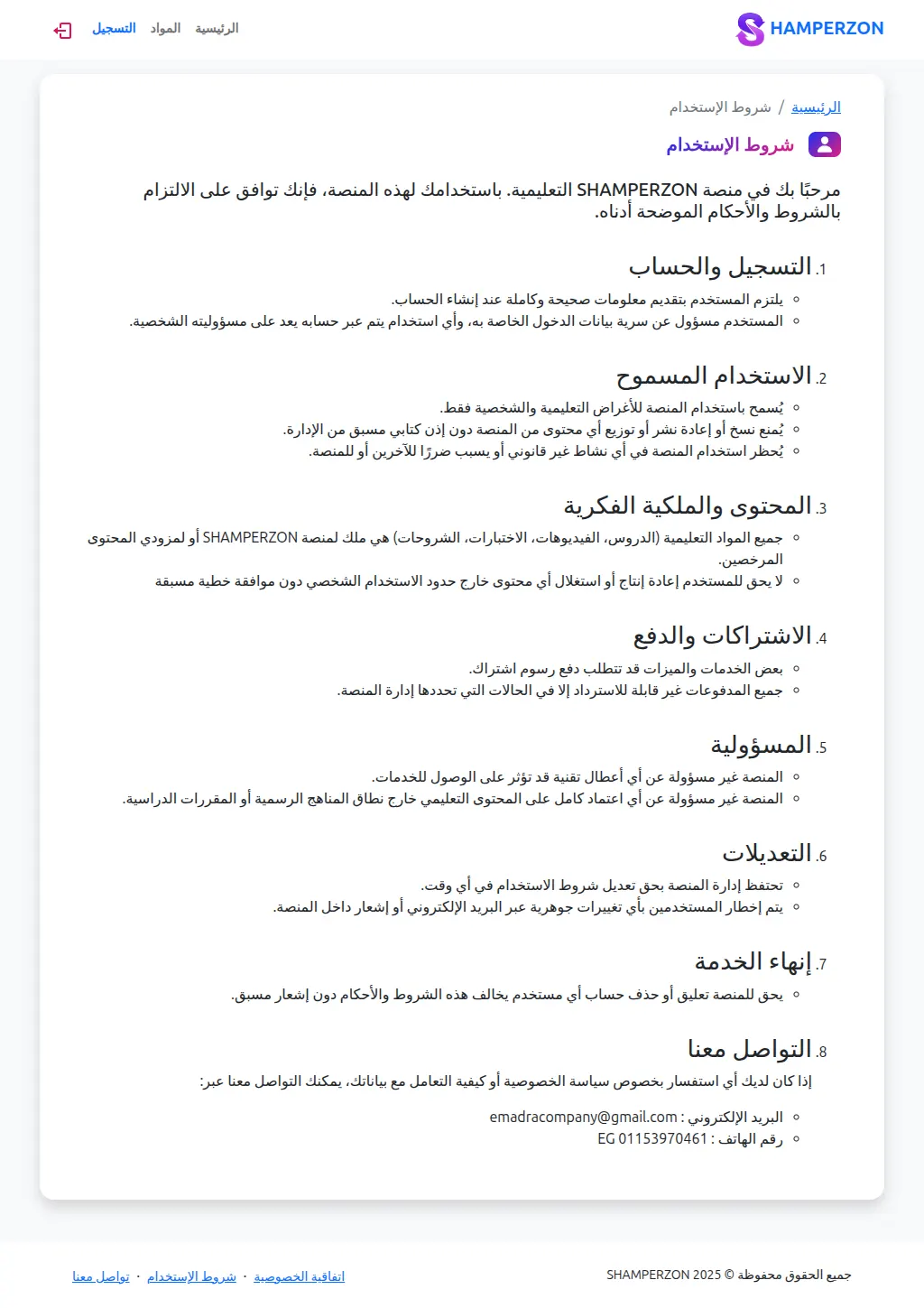
- The privacy terms of the website
Terms Of Use Page
What this page has:
- The Terms Of Use of the website
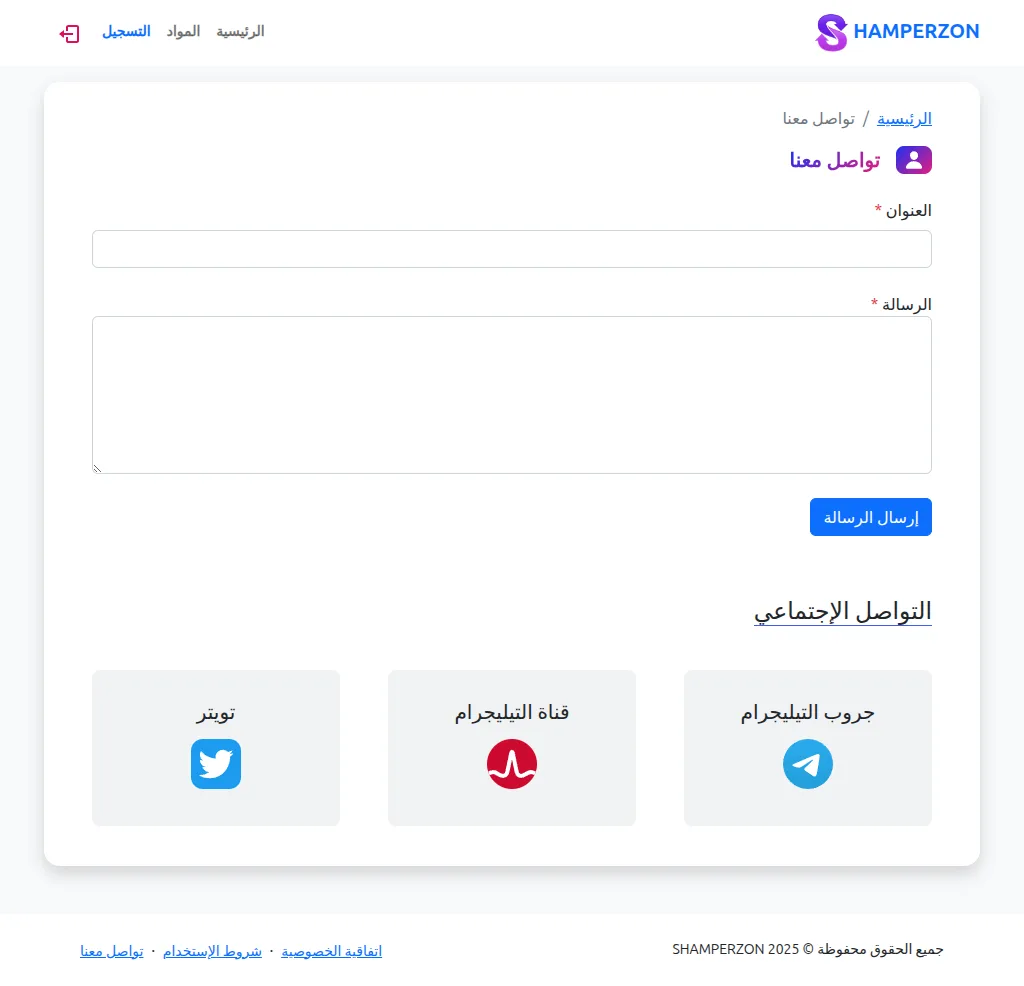
Contact
What this page has:
- The Contact us forms
- social links
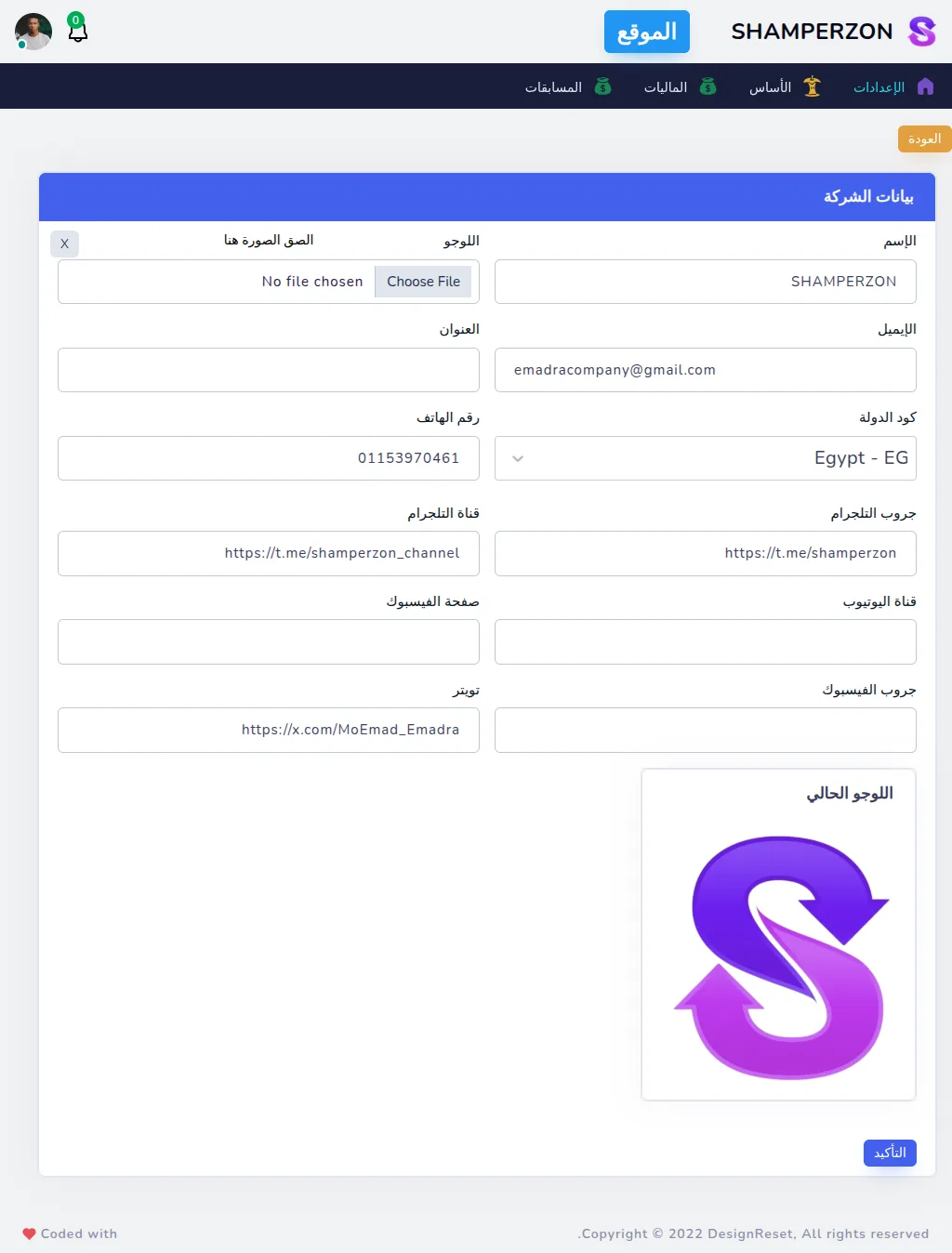
Admin Main Info
What this page has:
- a table to update the main info of the platform
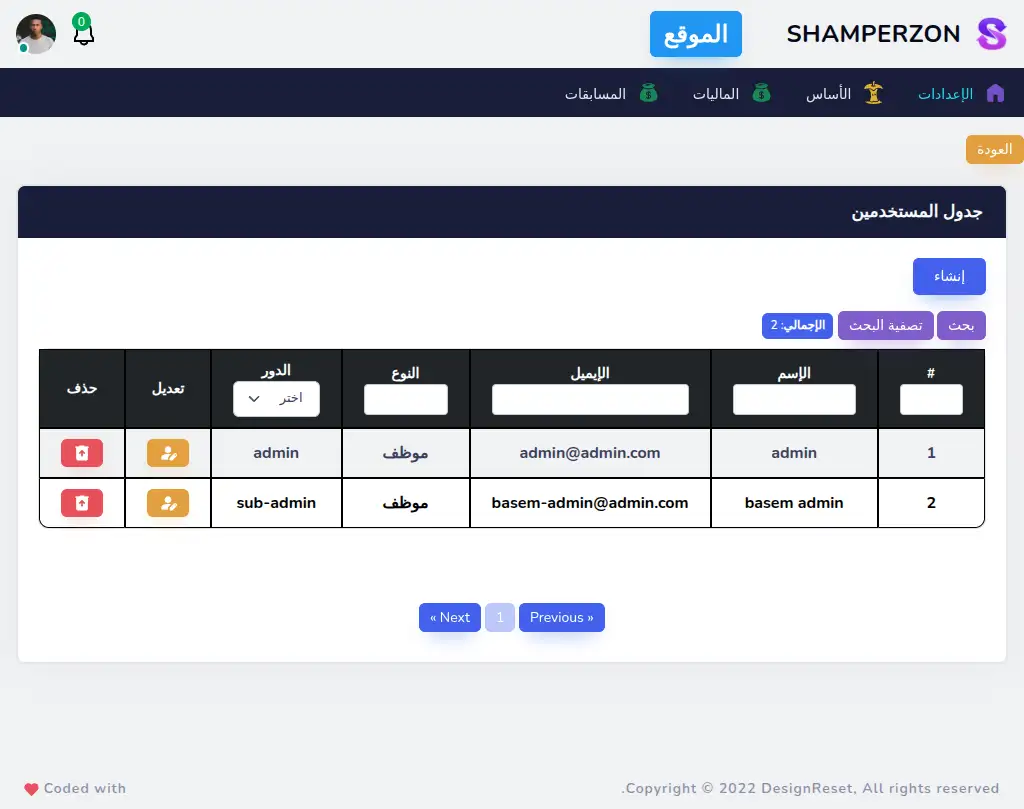
Admin Users Table
What this page has:
- a table of the users that can log in the admin dashboard with their roles.
- a link to create a user
- a button to edit each user
- a button to delete each user that shows a confirmation modal.
- the ability to filter the data
- pagination
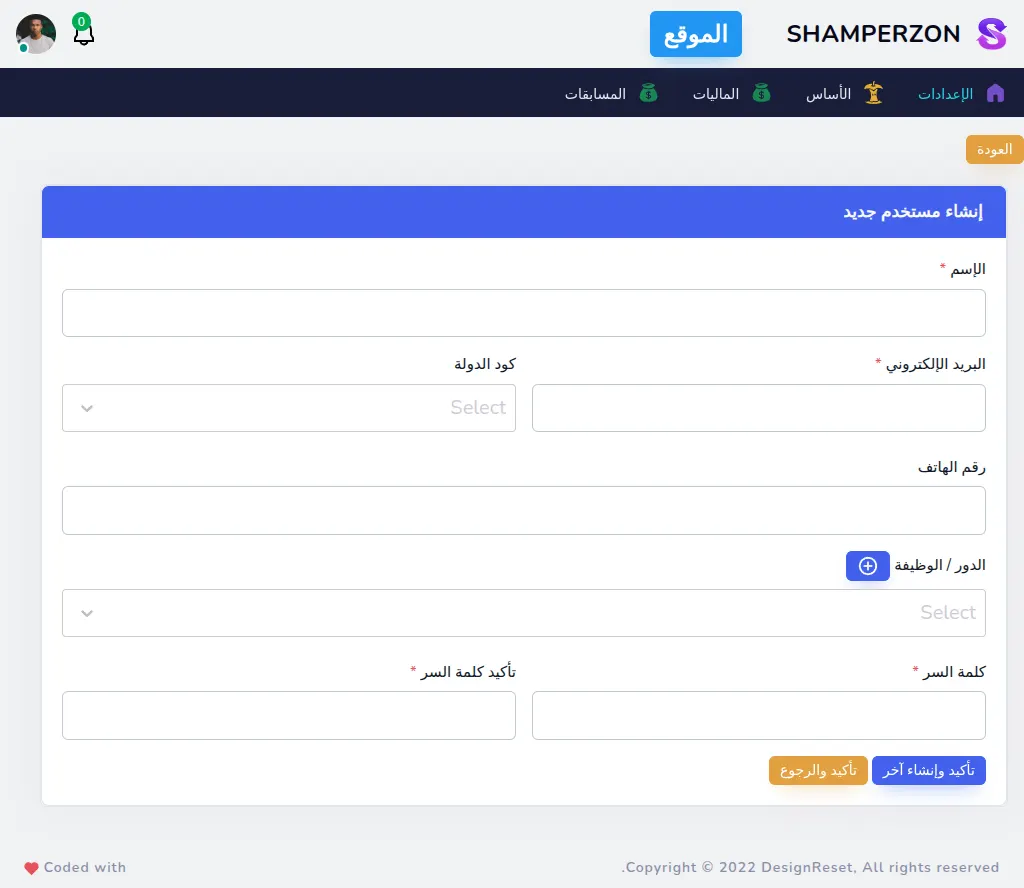
Admin Users Create
What this page has:
- a form to create a user
- you have to select the role
- each role has permissions
- you can create a role with a pop up modal
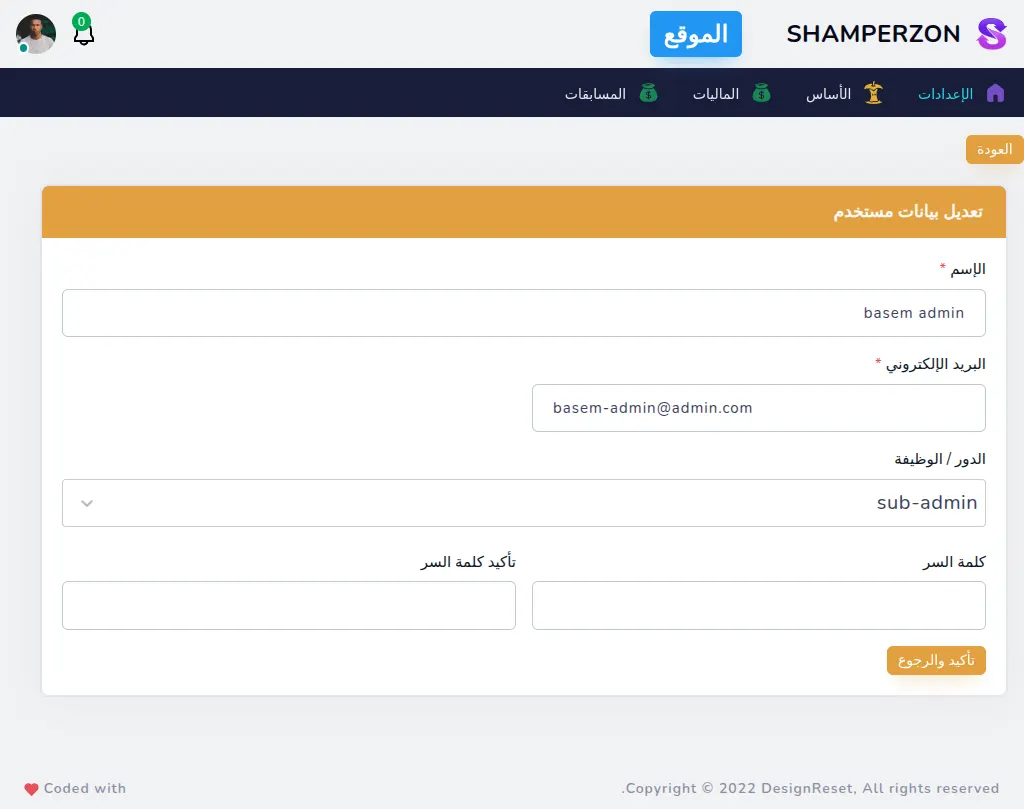
Admin Users Edit
What this page has:
- a form to edit a user
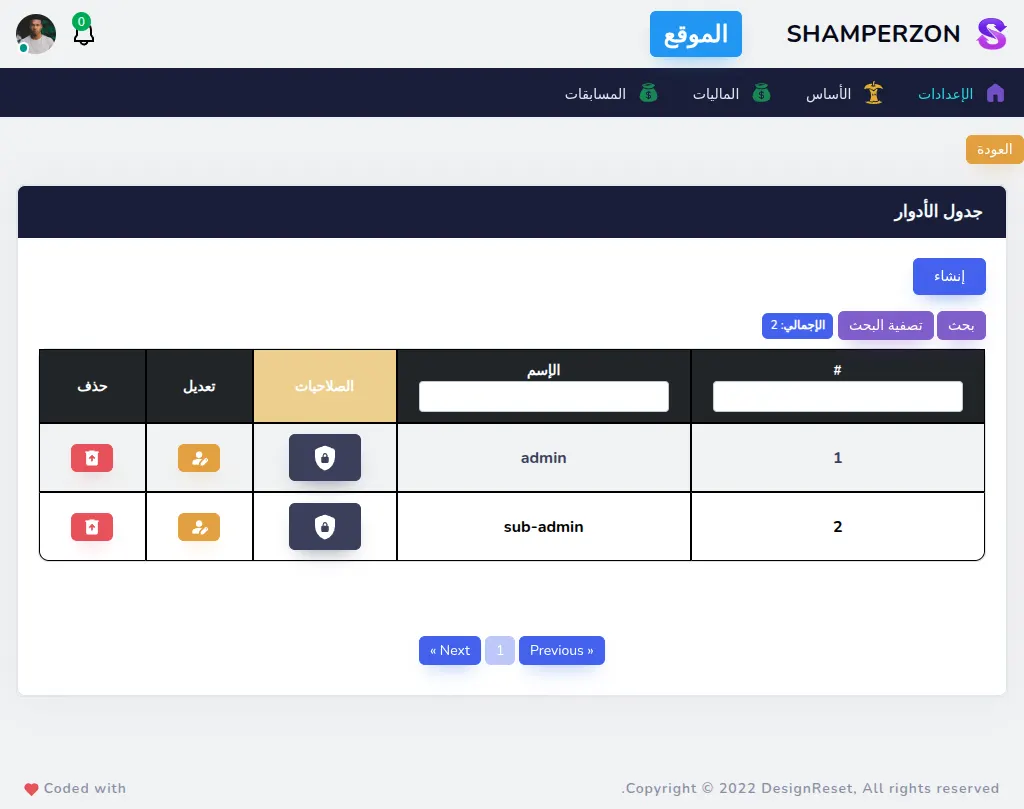
Admin Roles Table
What this page has:
- a table of the Roles that gets attached to users of the dashboard.
- a link to create a role
- a button to edit each role
- a button to delete each role that shows a confirmation modal.
- a button to change the permissions attached with each role.
- the ability to filter the data
- pagination
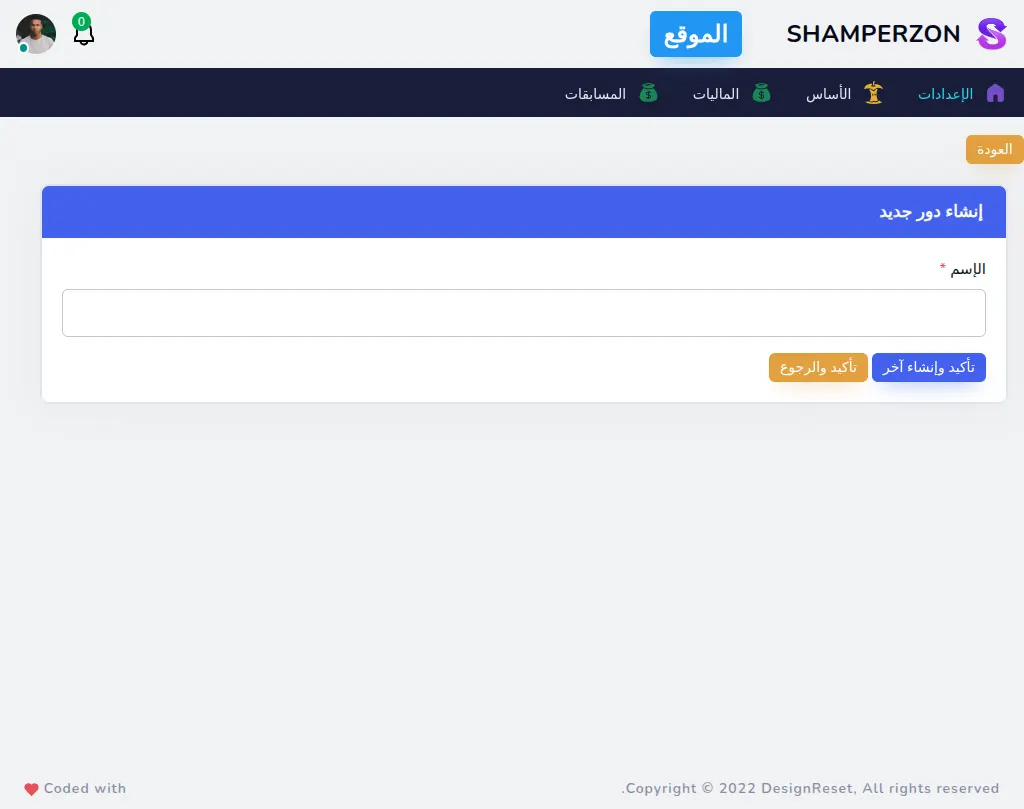
Admin Roles Create
What this page has:
- a form to create a role
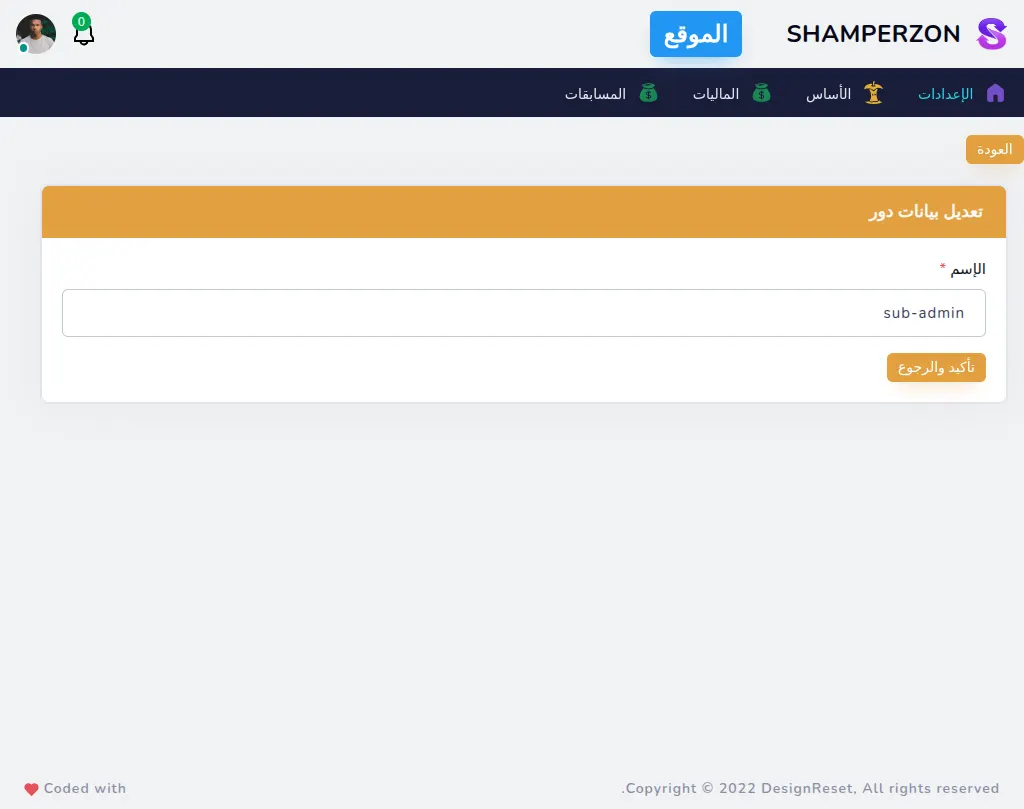
Admin Roles Edit
What this page has:
- a form to edit a role
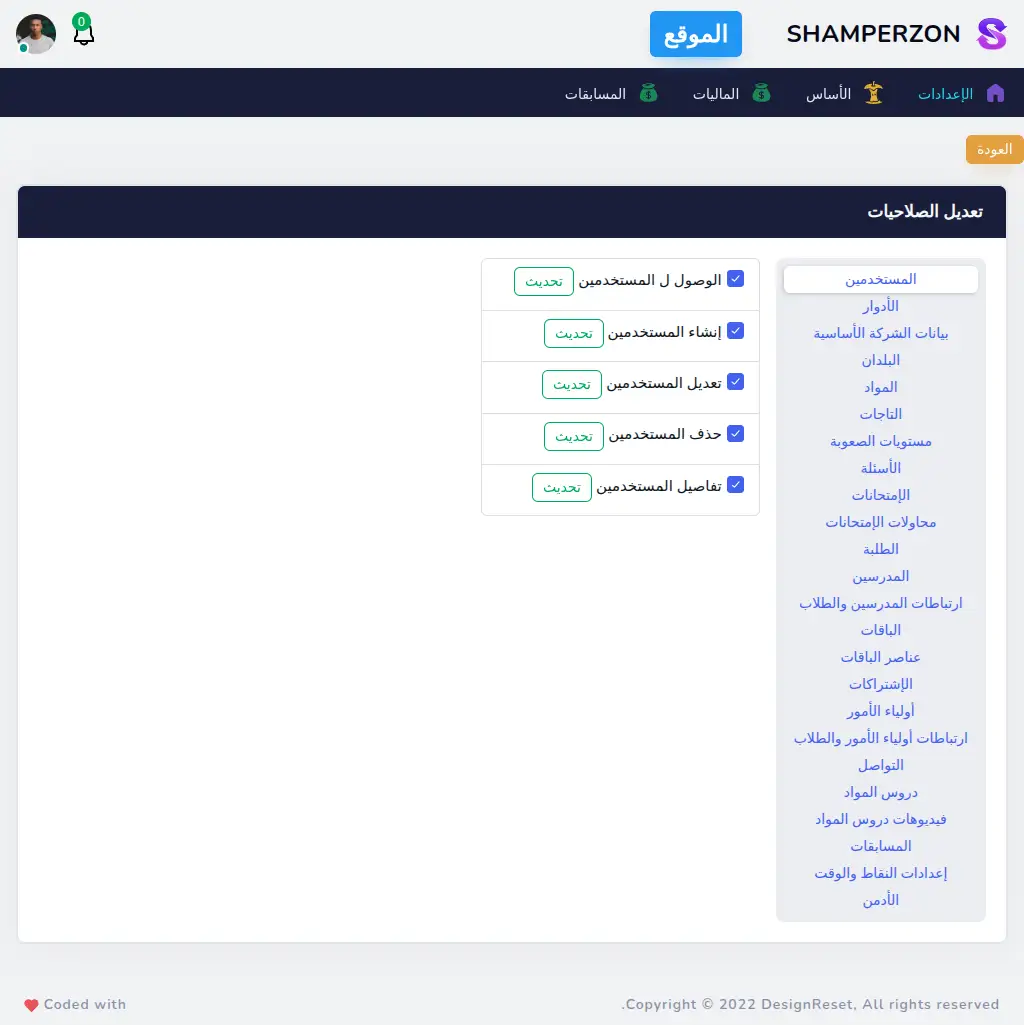
Admin Roles Permissions
What this page has:
- in this page you can change the permissions of a role by selecting the permission or deselecting it then clicking submit.
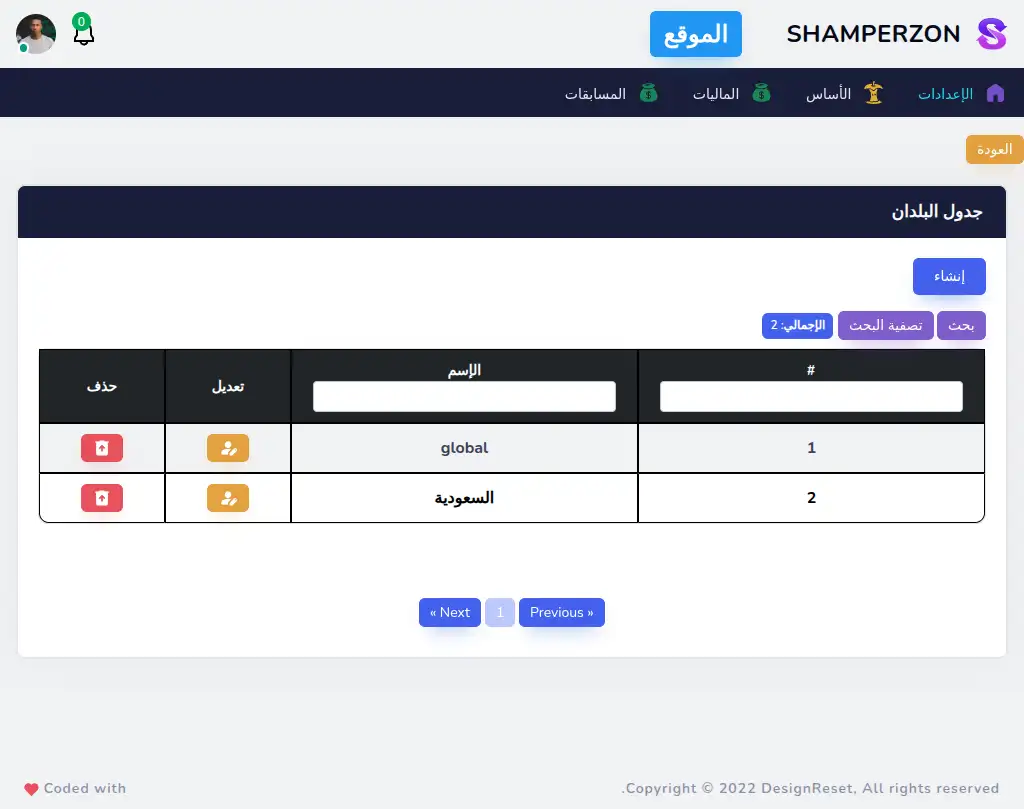
Admin Countries Table
What this page has:
- a table of the Countries.
- a link to create a country
- a button to edit each country
- a button to delete each country that shows a confirmation modal.
- the ability to filter the data
- pagination
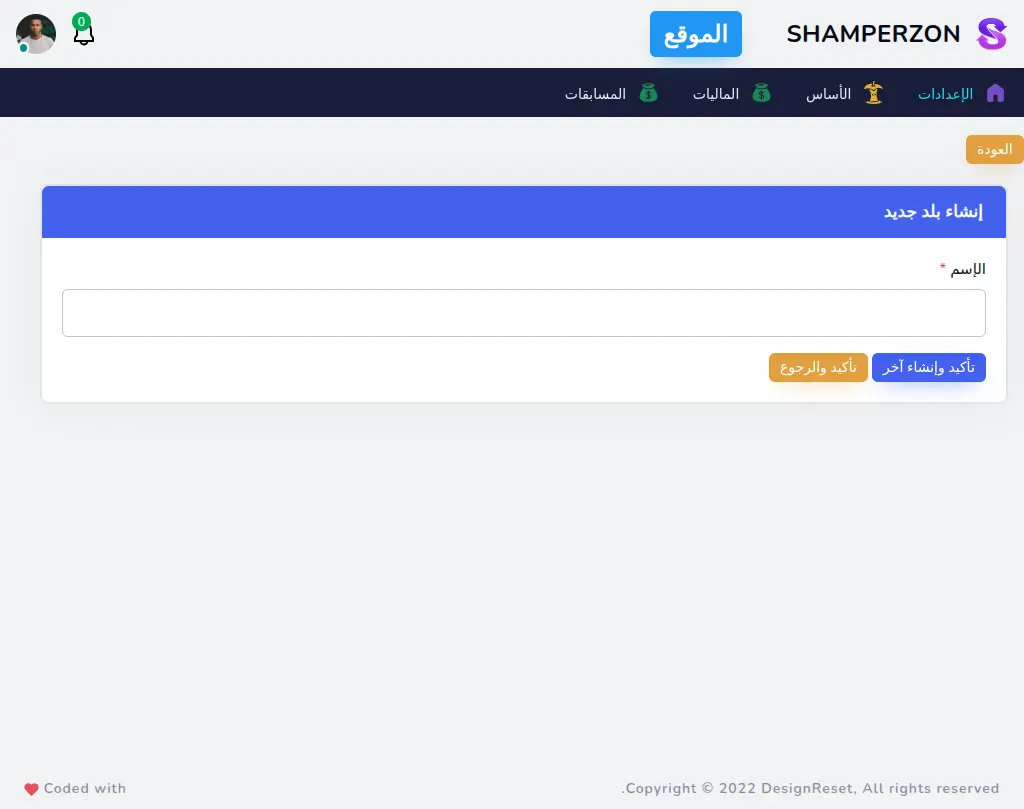
Admin Countries Create
What this page has:
- a form to create a country
Admin Countries Edit
What this page has:
- a form to edit a country
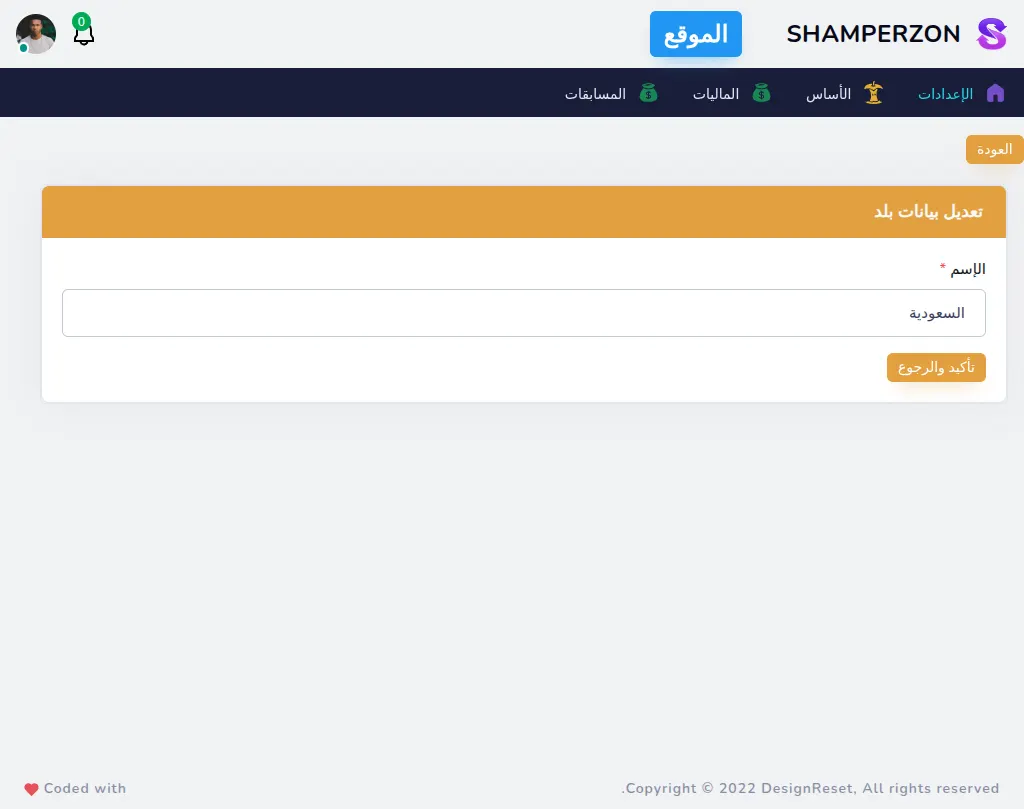
Admin Subjects Table
What this page has:
- a table of the subjects.
- a link to create a subject
- a button to edit each subject
- a button to show details for each subject
- a button to delete each subject that shows a confirmation modal.
- the ability to filter the data
- pagination
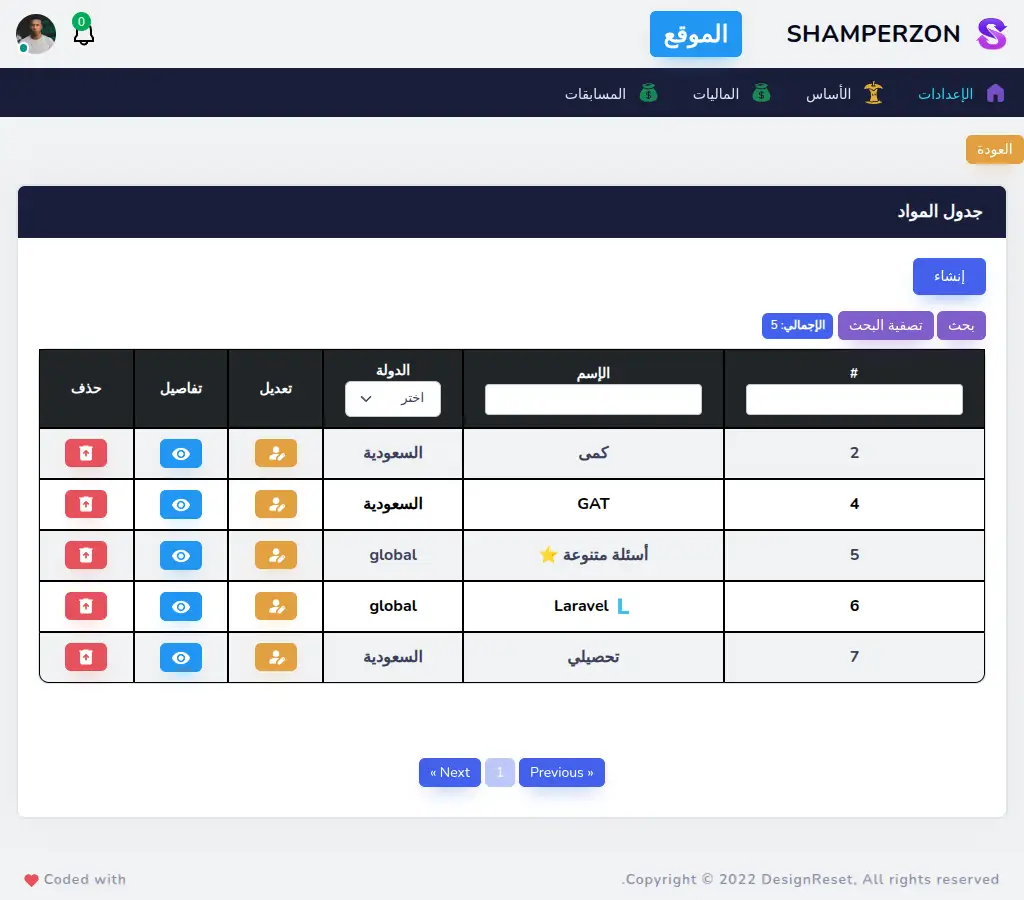
Admin Subjects Create
What this page has:
- a form to create a subject
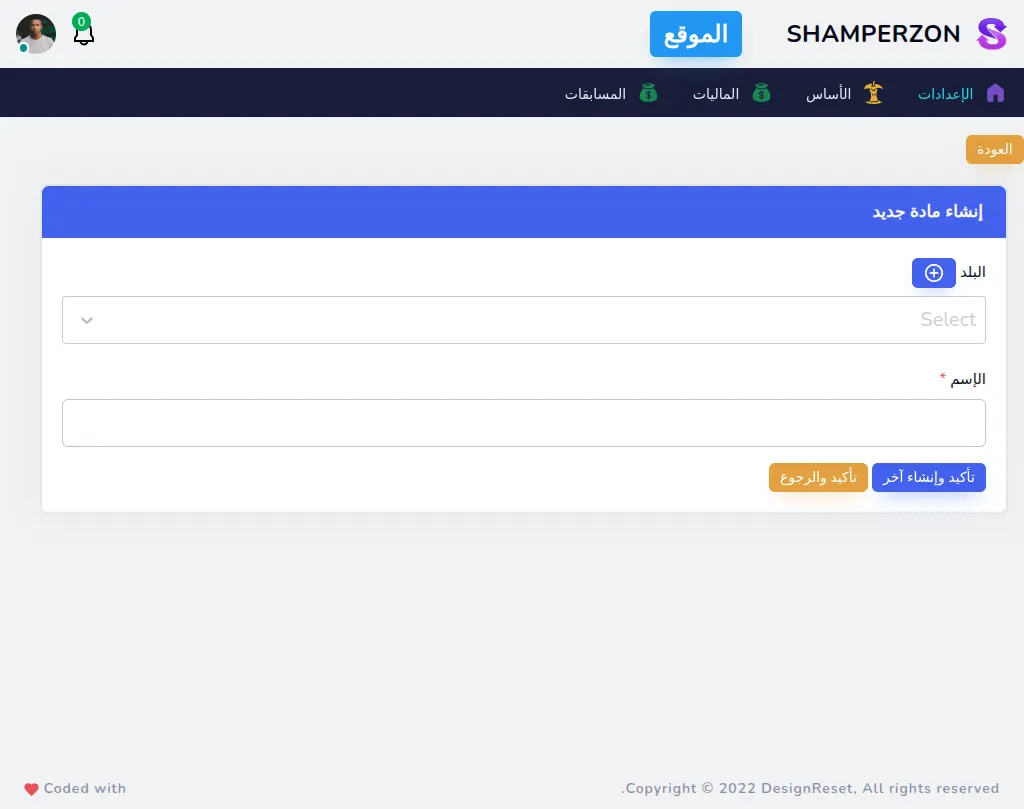
Admin Subjects Edit
What this page has:
- a form to edit a subject
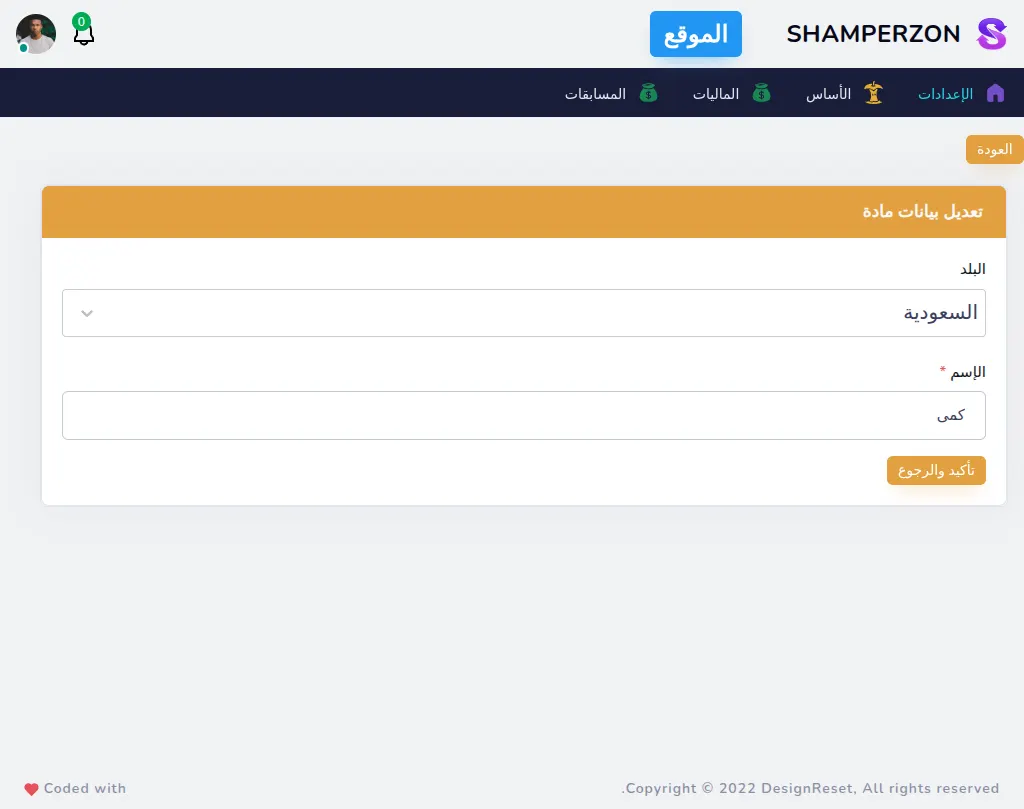
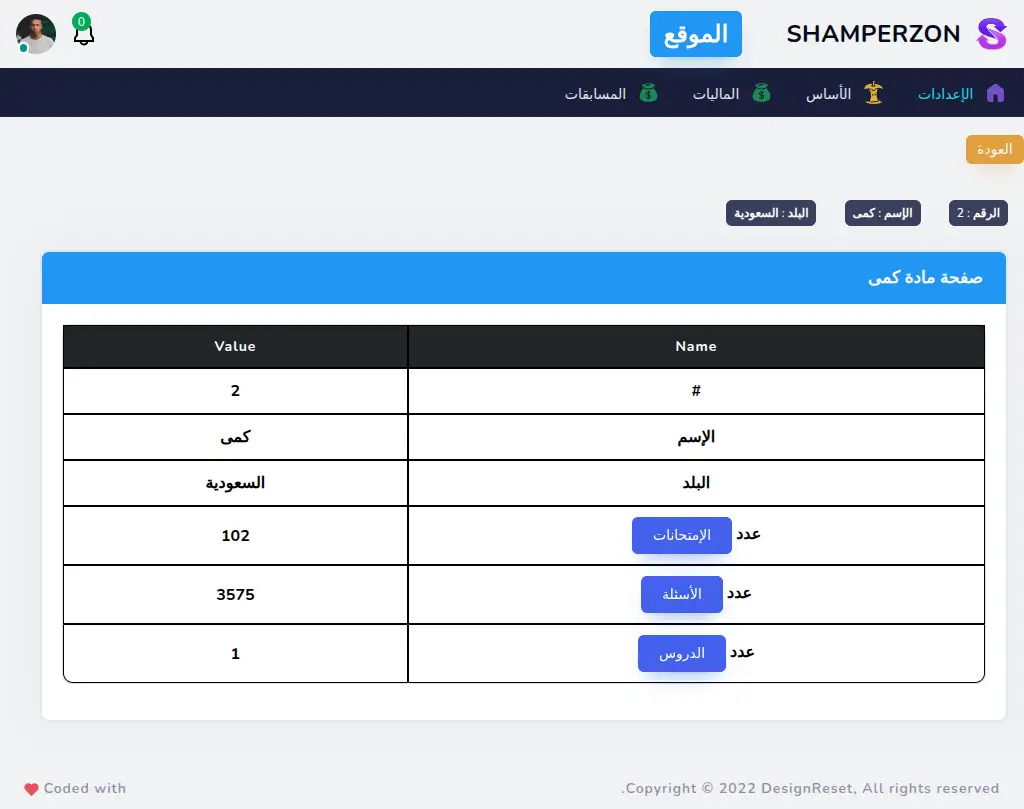
Admin Subjects Show
What this page has:
- a page of subject details
- a link to visit the exams of this subject
- a link to visit the questions of this subject
- a link to visit the lessons of this subject
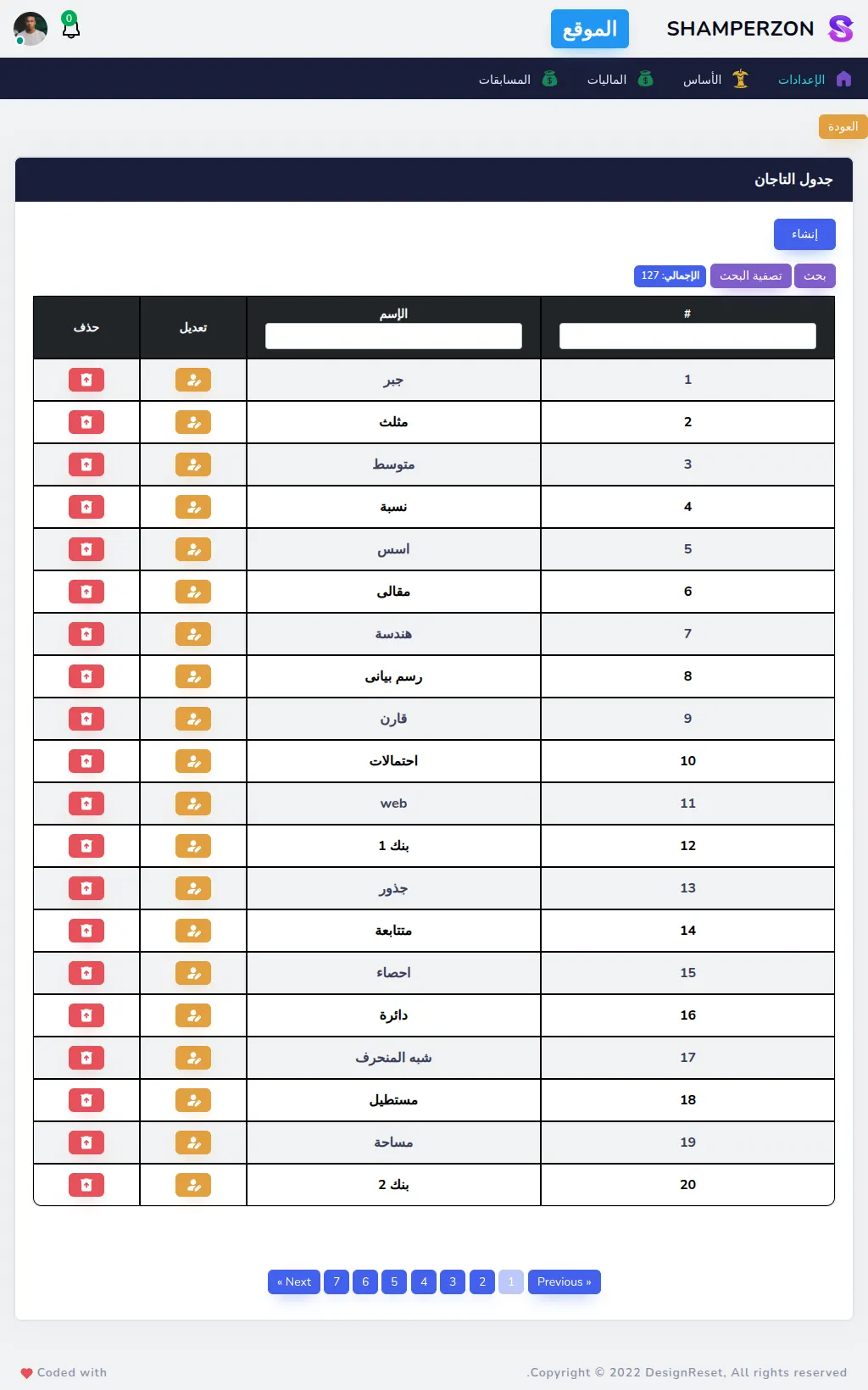
Admin Tags Table
What this page has:
- a table of the Tags.
- a link to create a tag
- a button to edit each tag
- a button to delete each tag that shows a confirmation modal.
- the ability to filter the data
- pagination
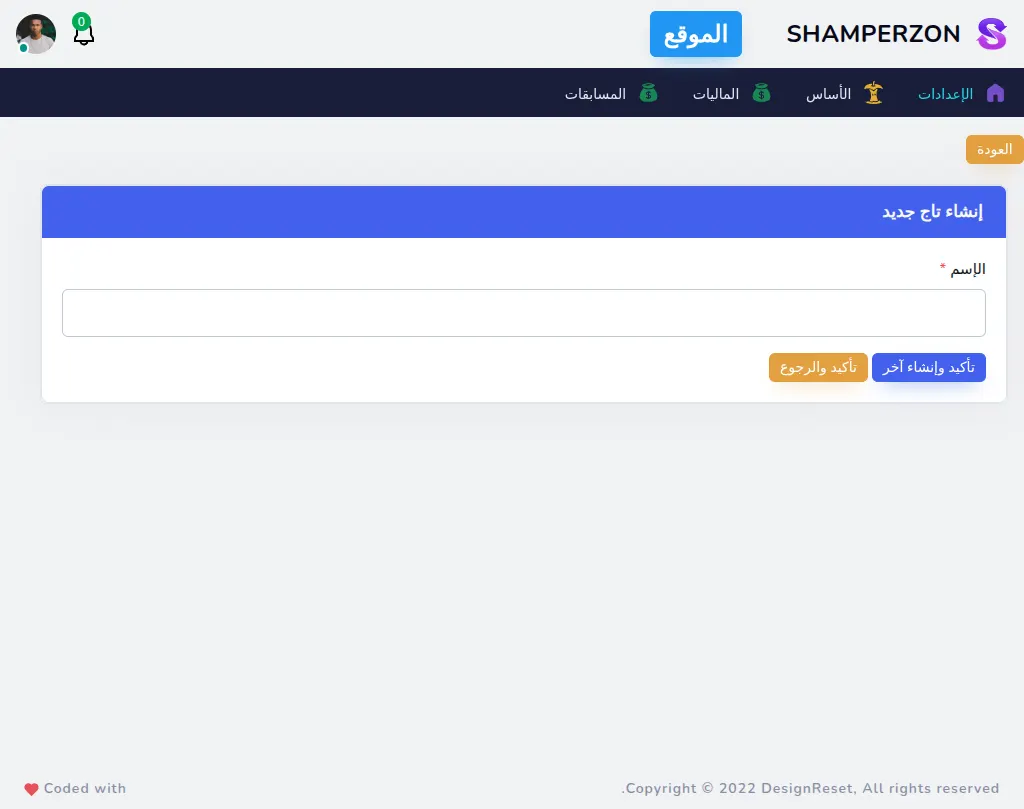
Admin Tags Create
What this page has:
- a form to create a tag
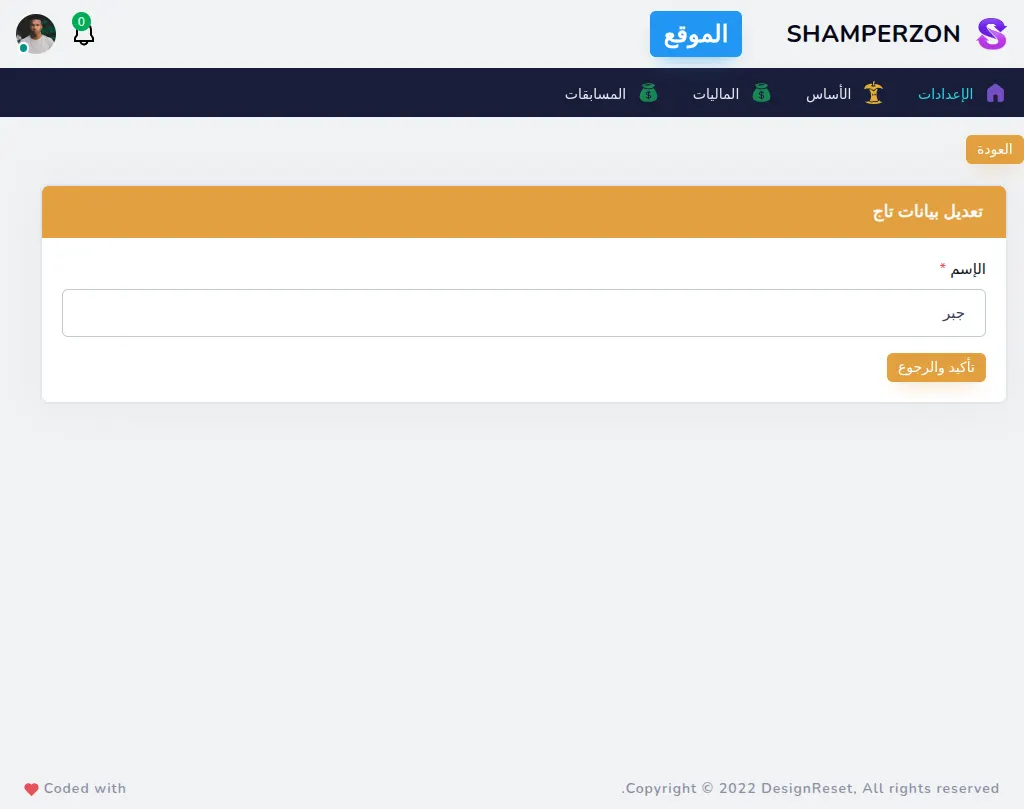
Admin Tags Edit
What this page has:
- a form to edit a tag
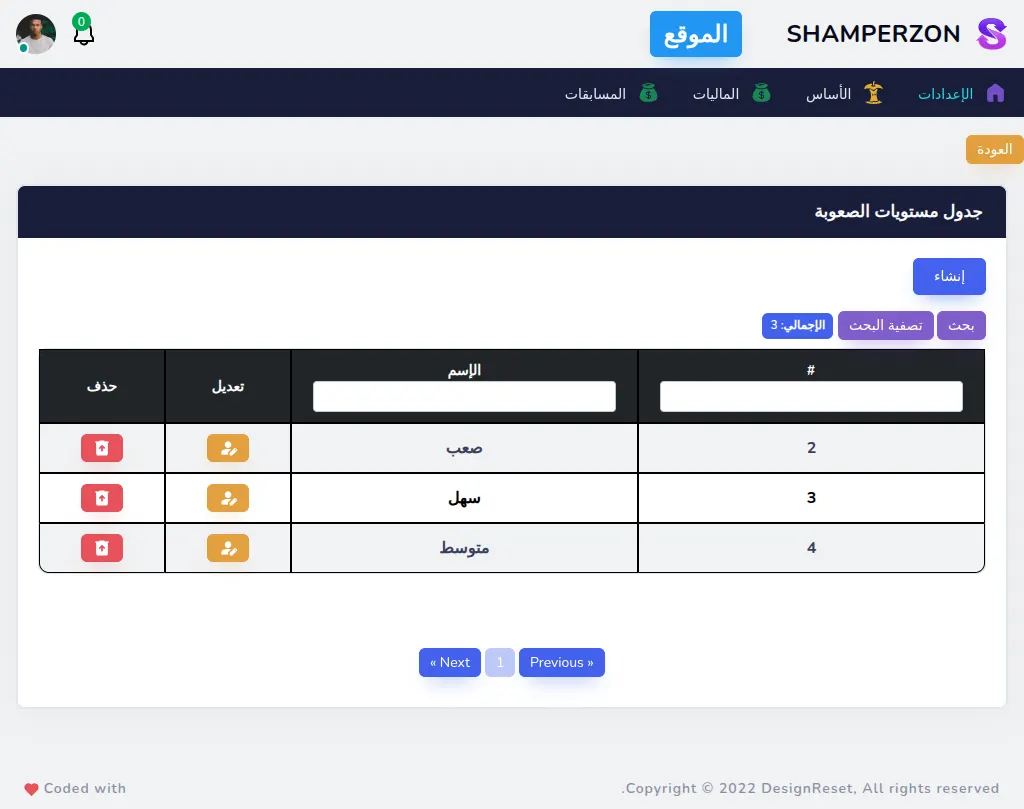
Admin Question levels Table
What this page has:
- a table of the Question levels.
- a link to create a Question level
- a button to edit each Question level
- a button to delete each Question level that shows a confirmation modal.
- the ability to filter the data
- pagination
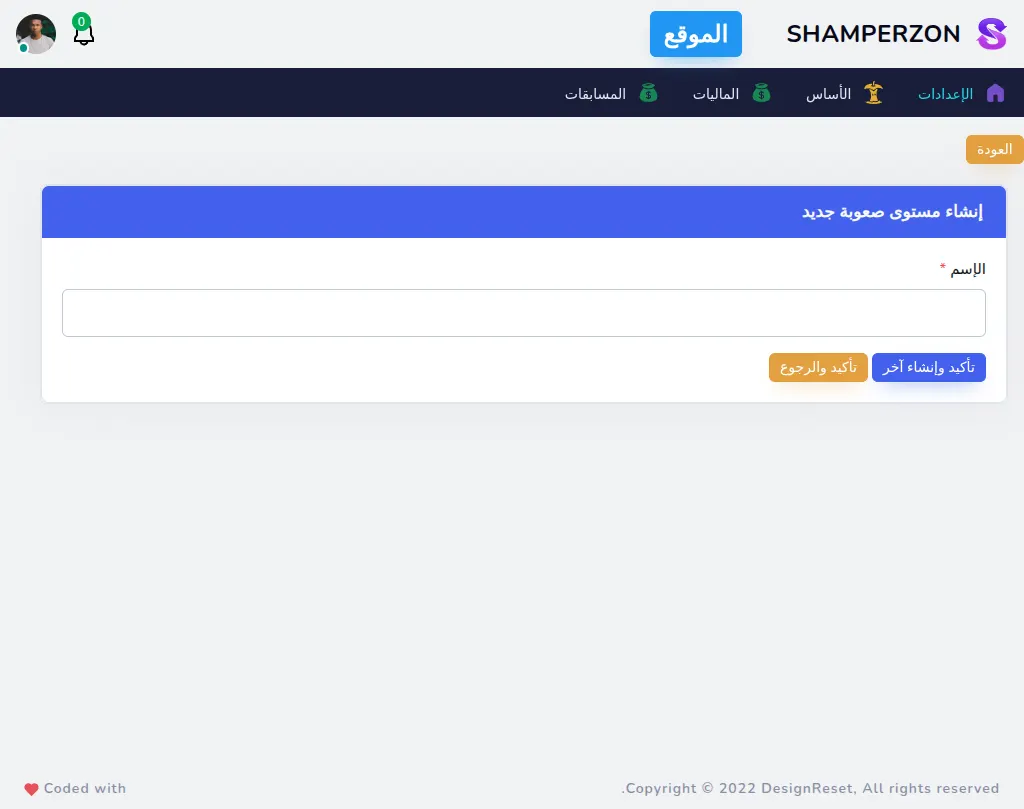
Admin Question levels Create
What this page has:
- a form to create a Question level
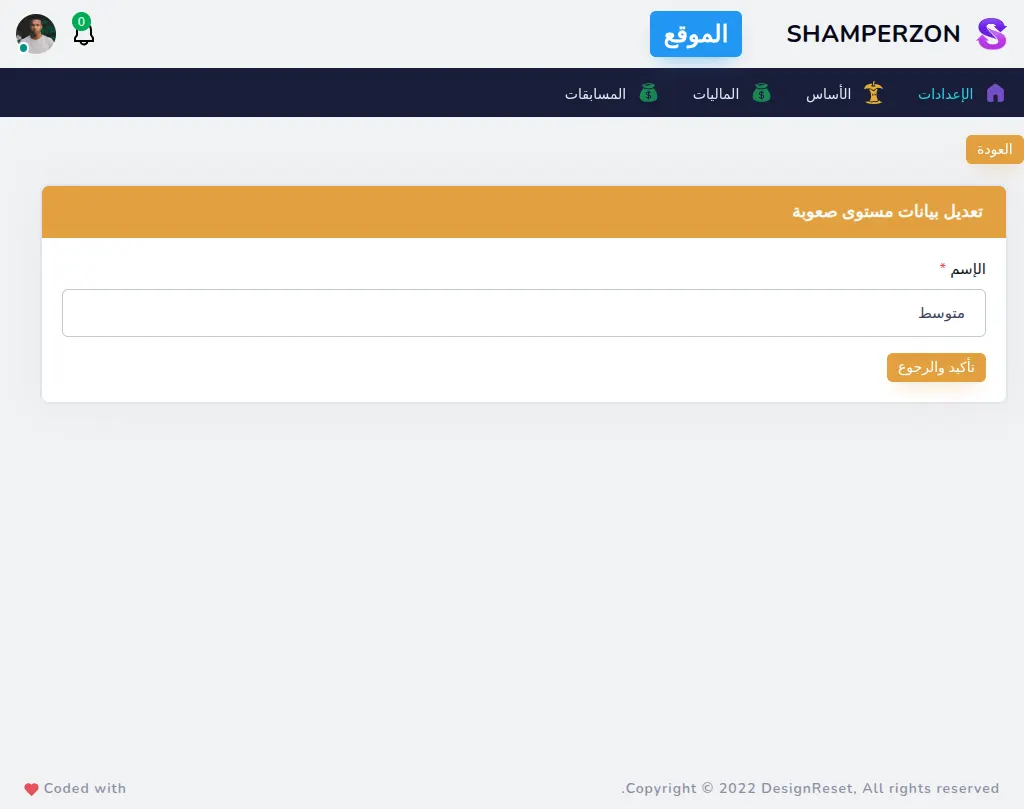
Admin Question levels Edit
What this page has:
- a form to edit a Question level
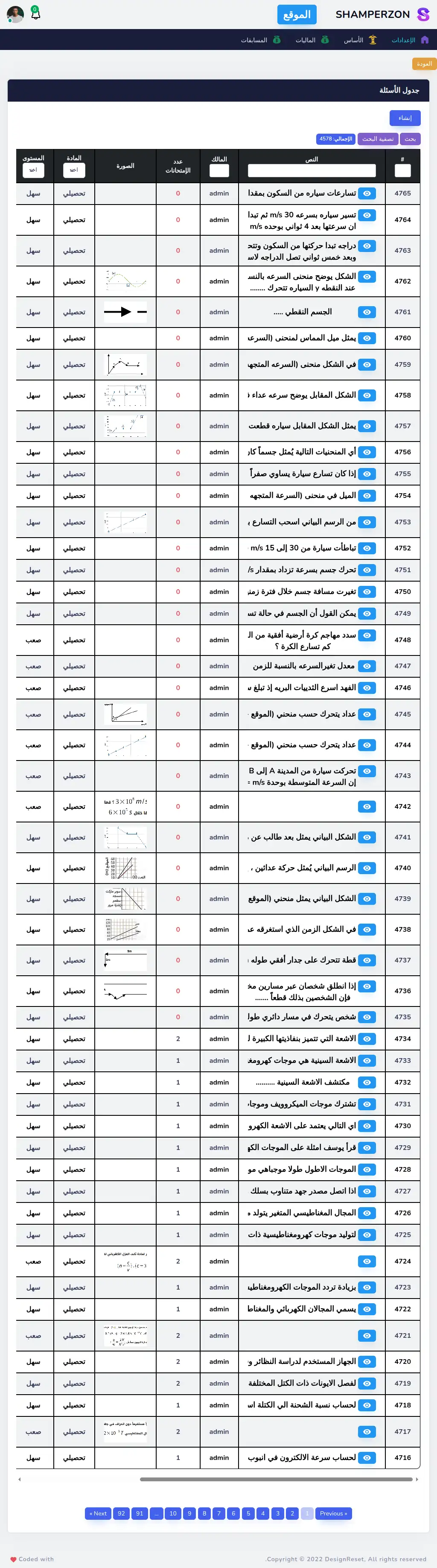
Admin Questions Table
What this page has:
- a table of the Questions.
- a link to create a Question
- a button to edit each Question
- a button to delete each Question that shows a confirmation modal.
- the ability to filter the data
- pagination
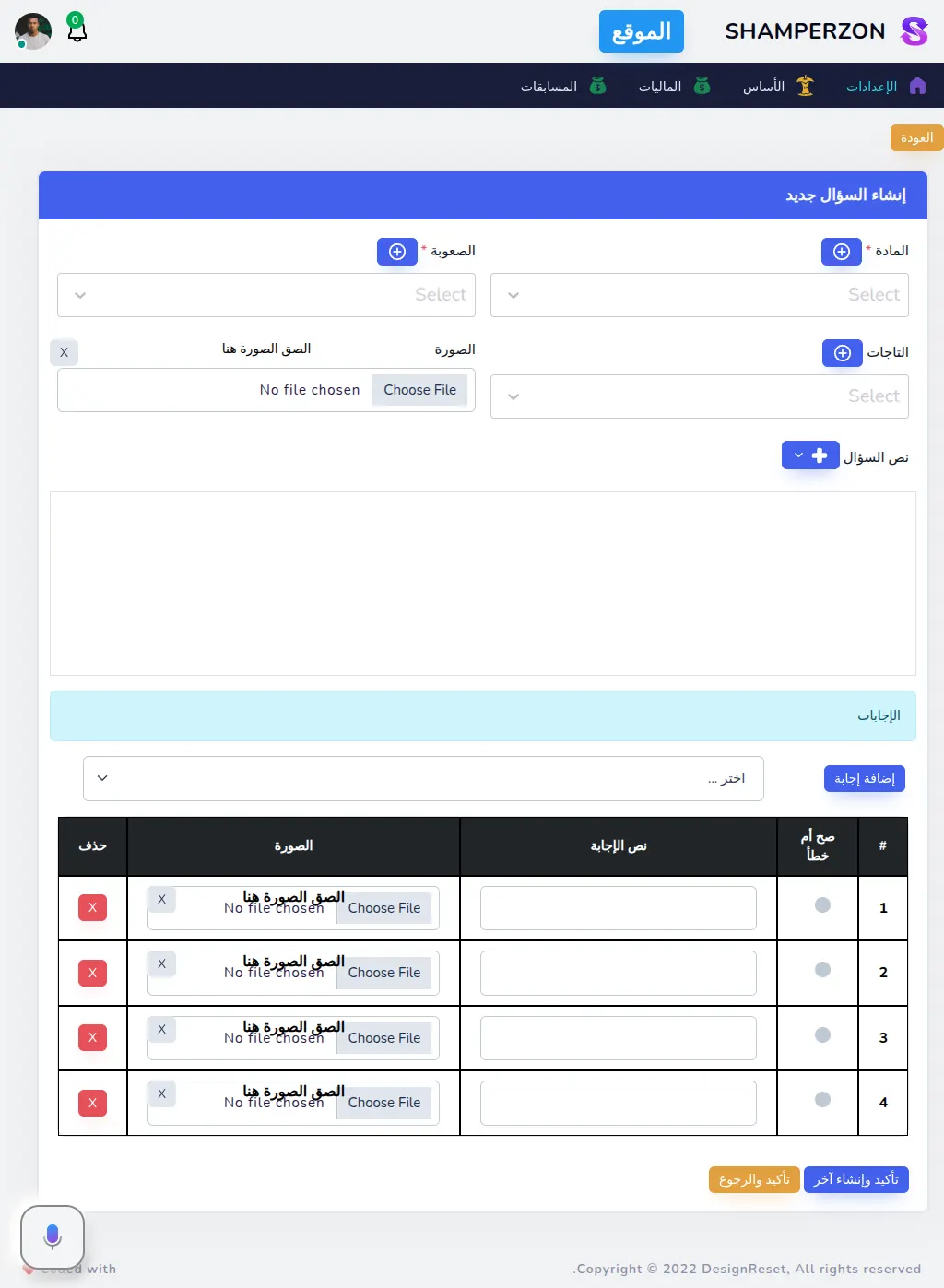
Admin Questions Create
What this page has:
- a form to create a Question
- a button to create subject , question level , tags
- a text editor that is hand made
- you can copy the image or upload it
- handle and manipulate the images
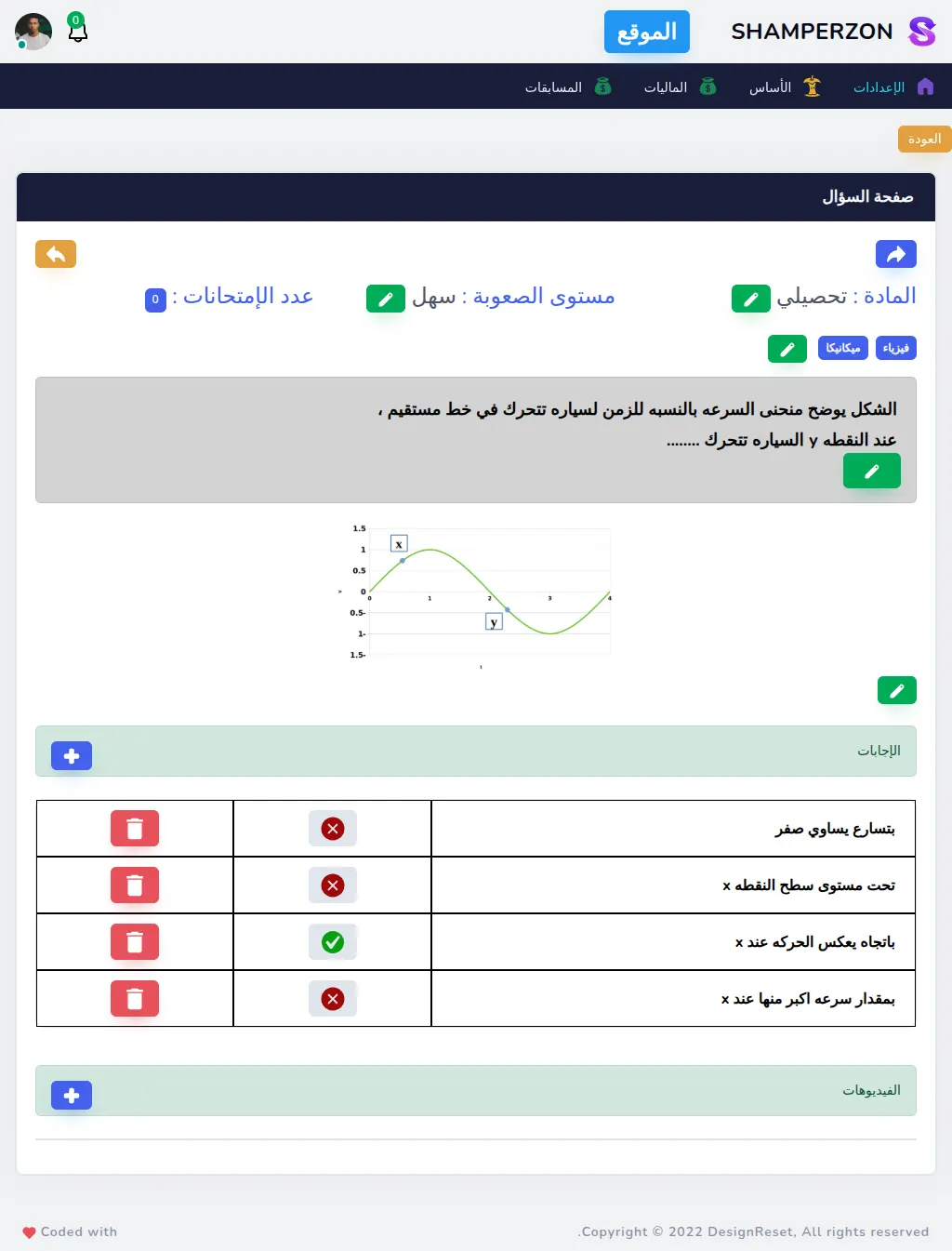
Admin Questions Edit
What this page has:
- a form to edit a Question
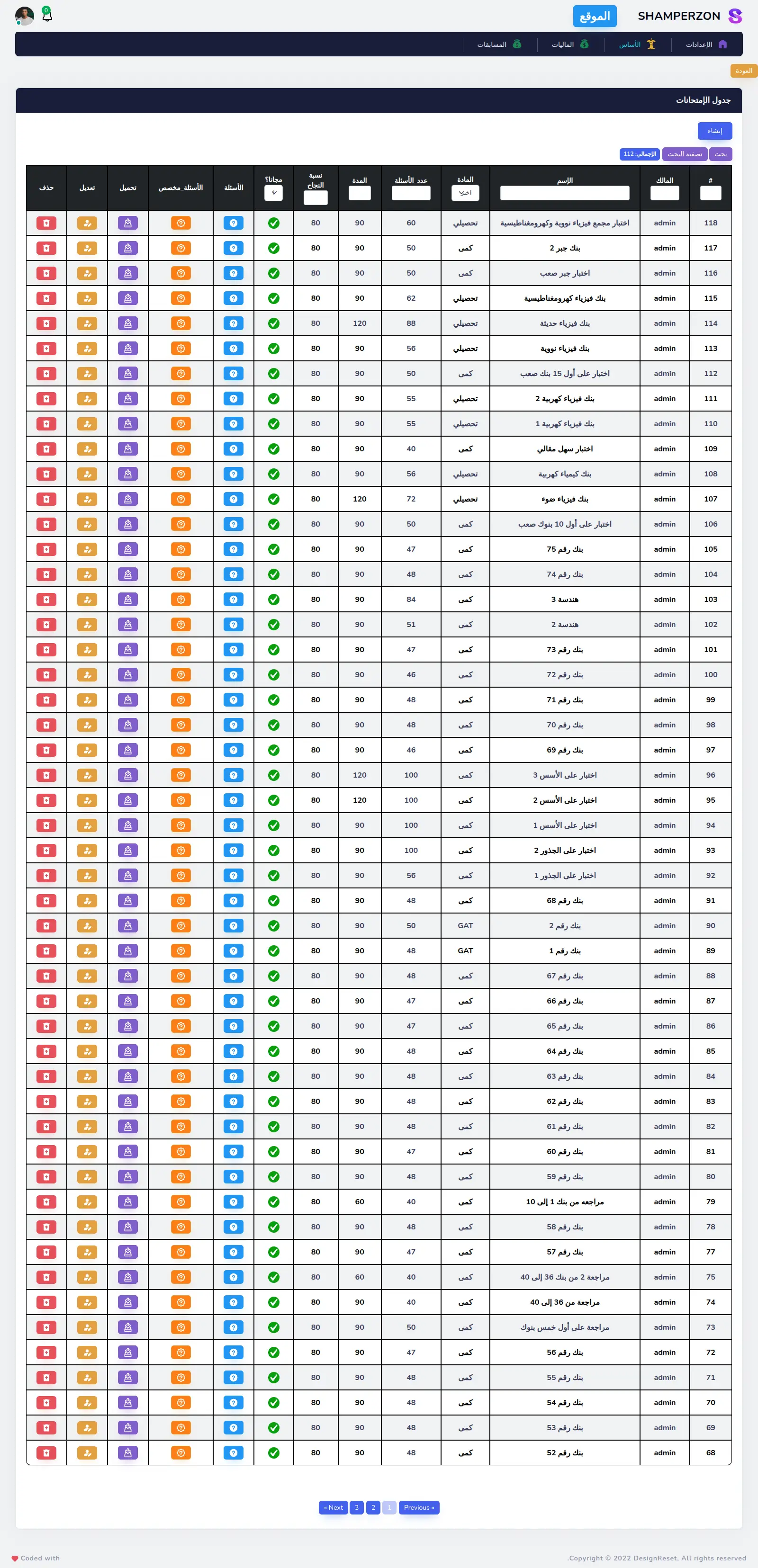
Admin Exams Table
What this page has:
- a table of the Exams.
- a link to create an Exam
- a button to edit each Exam
- a button to delete each Exam that shows a confirmation modal.
- the ability to filter the data
- pagination
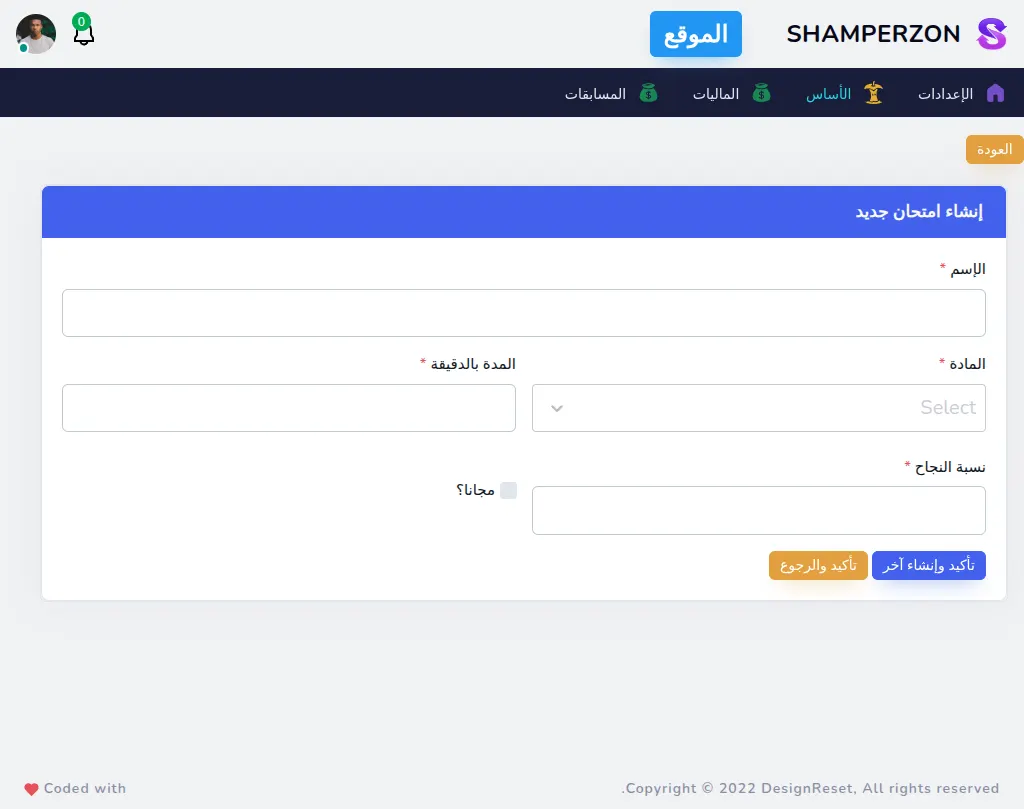
Admin Exams Create
What this page has:
- a form to create an Exam
Admin Exams Edit
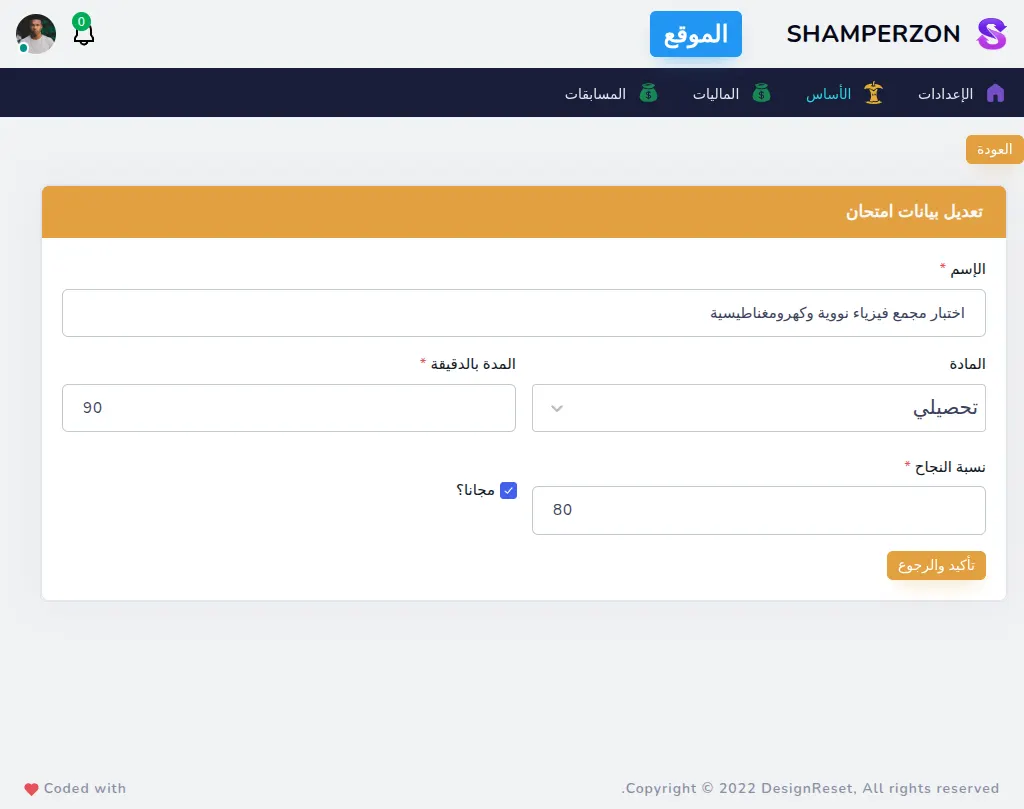
What this page has:
- a form to edit an Exam
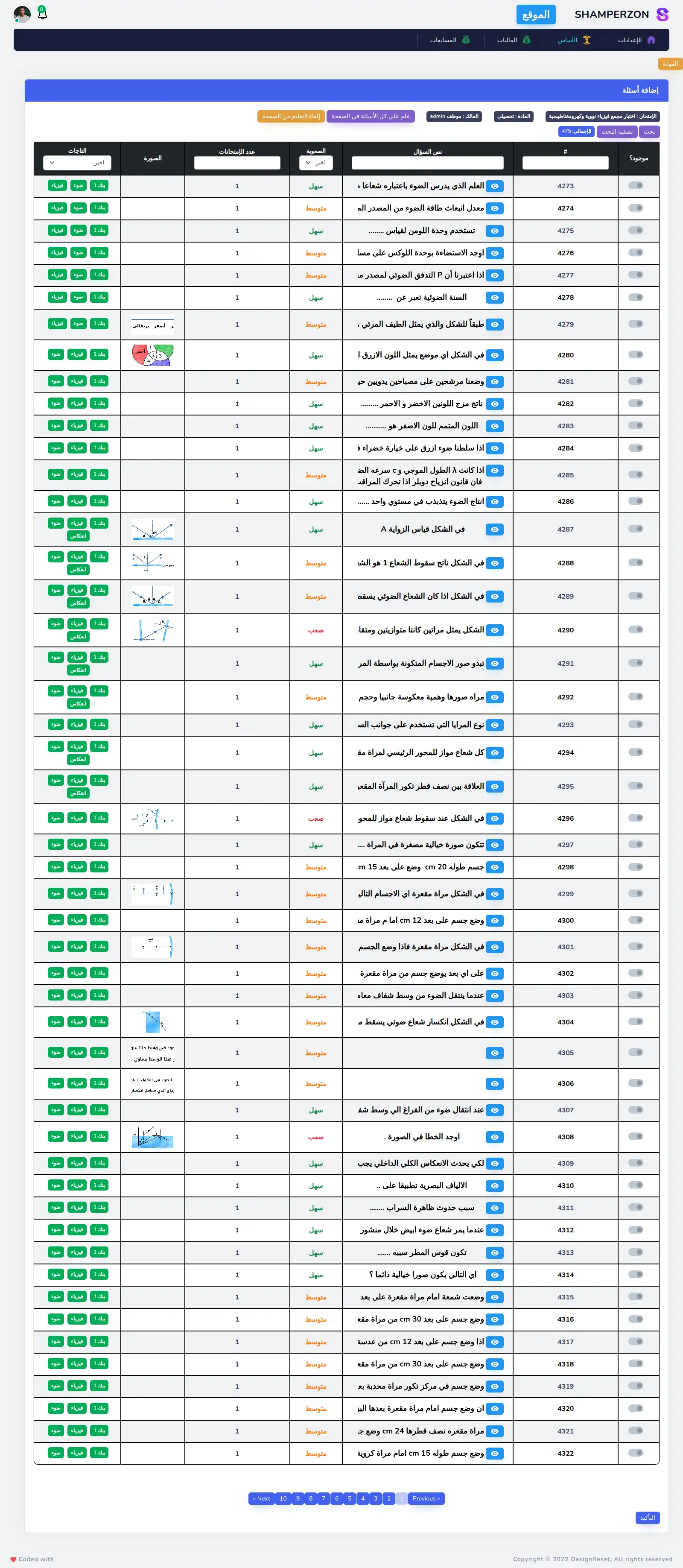
Admin Exams Add Questions page
What this page has:
- a form to add questions to exams
- you can filter the questions
- a button to select all
- a button to deselect all
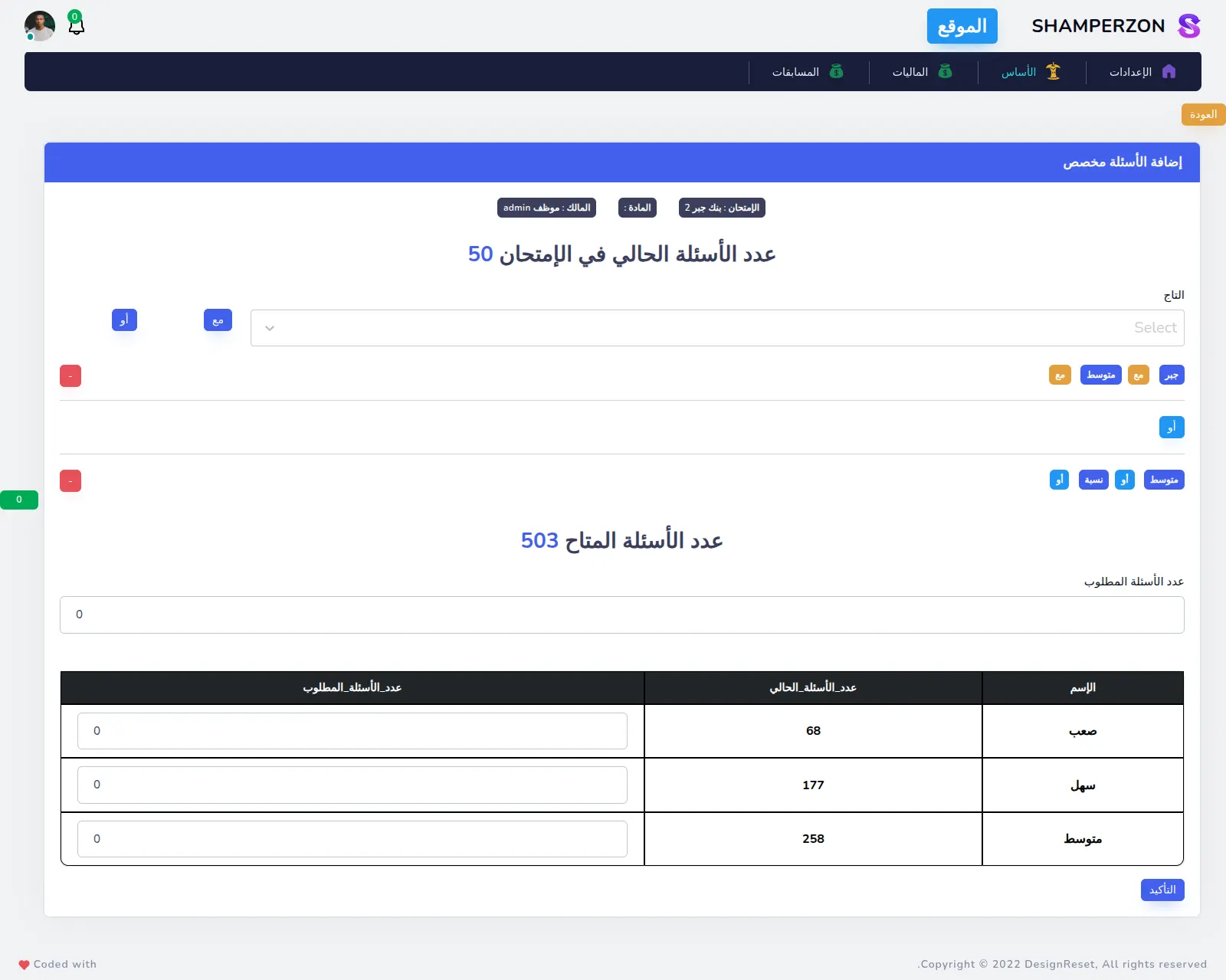
Admin Exams Add Questions Dynamic page
What this page has:
- a form to add questions to the exam dynamic
- you can choose multiple tags and choose the questions that intersect or union
- it gets you the available questions and the count of every question level.
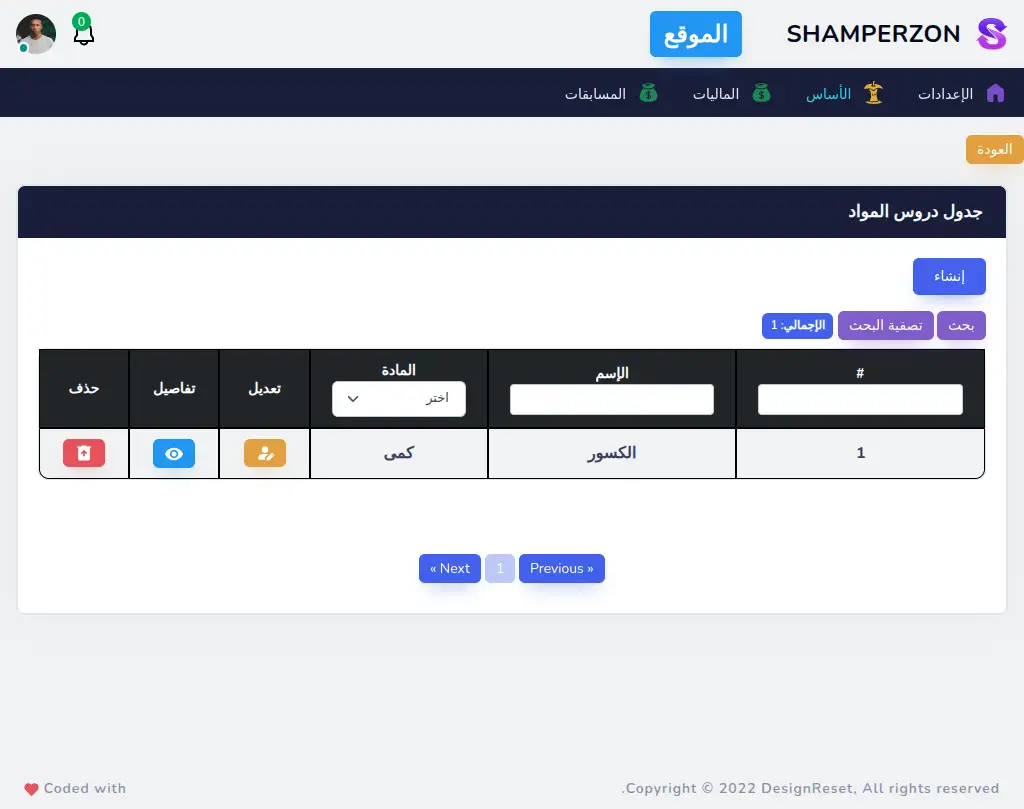
Admin Subject Lessons Table
What this page has:
- a table of the Subject Lessons.
- a link to create a Subject Lessons
- a button to edit each Subject Lessons
- a button to delete each Subject Lessons that shows a confirmation modal.
- the ability to filter the data
- pagination
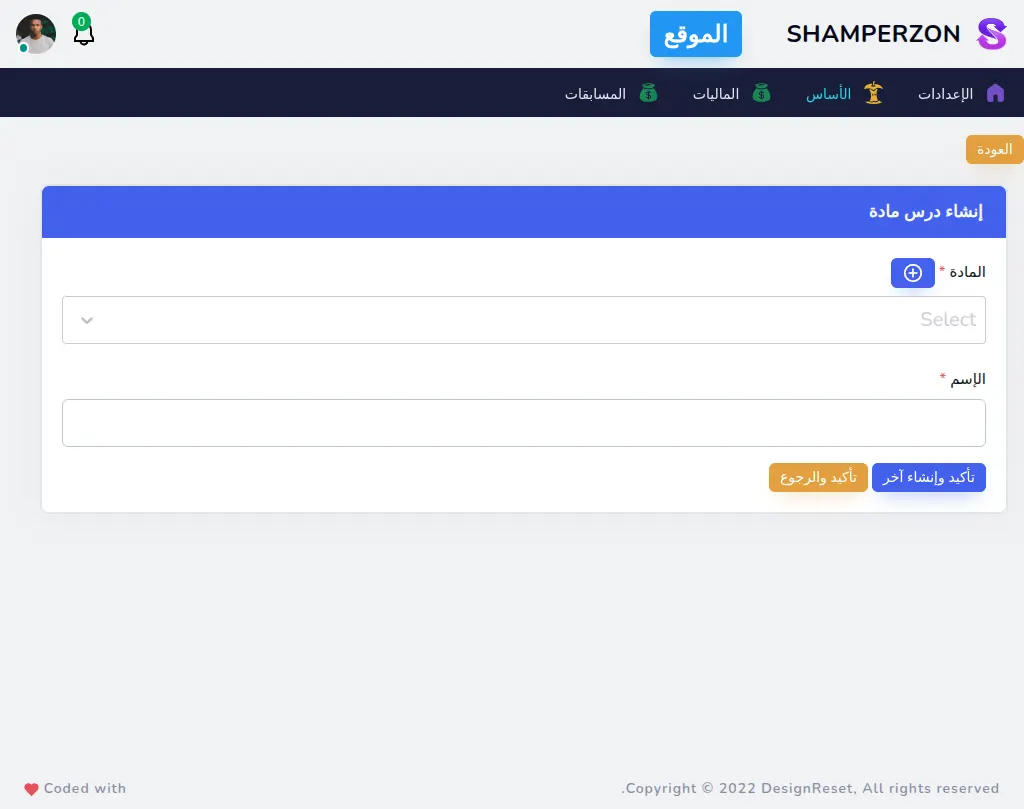
Admin Subject Lessons Create
What this page has:
- a form to create a Subject Lessons
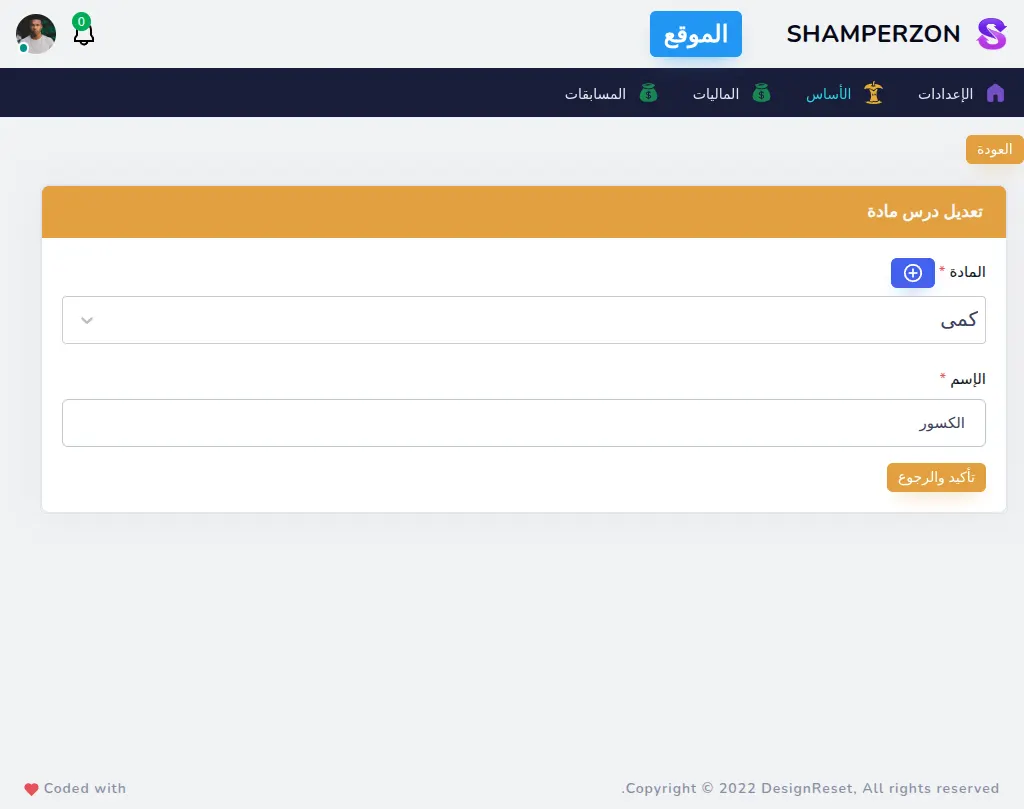
Admin Subject Lessons Edit
What this page has:
- a form to edit a Subject Lessons
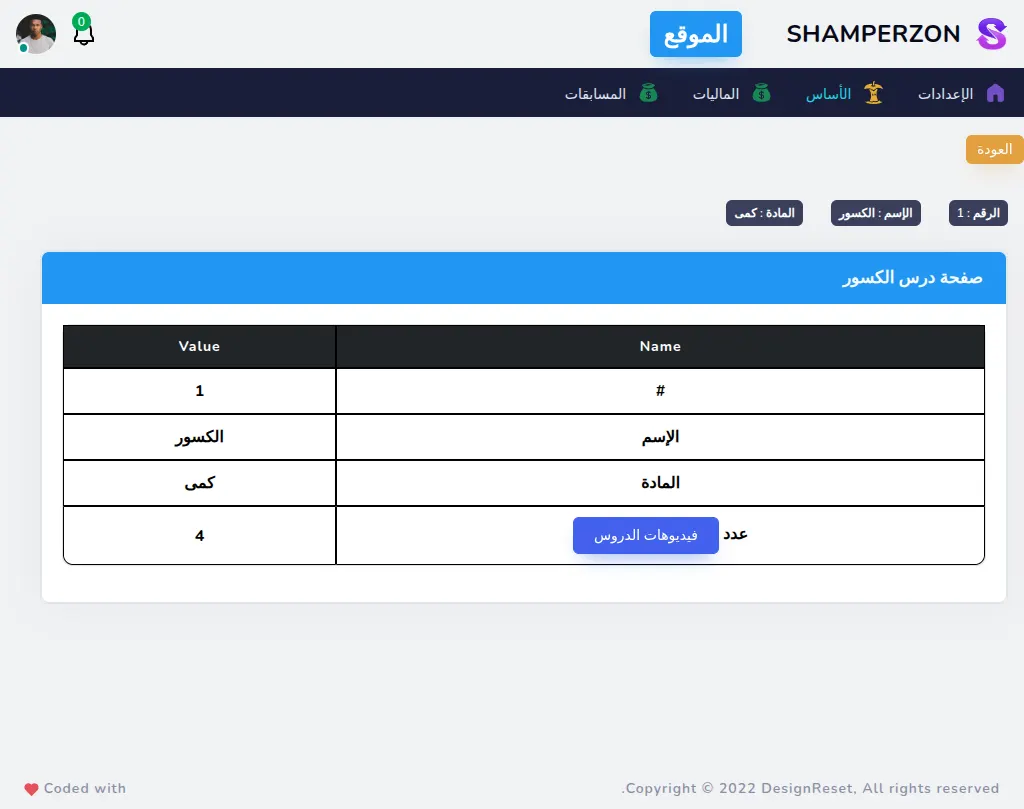
Admin Subject Lessons Show
What this page has:
- a page of the Subject Lessons details
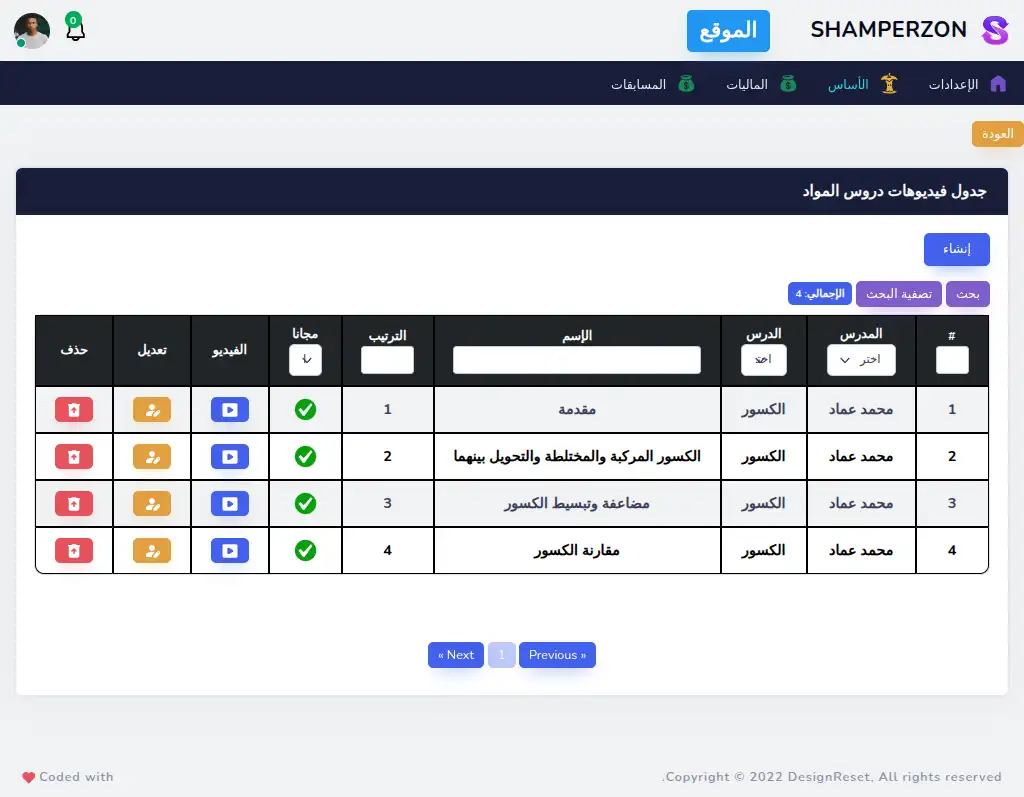
Admin Subject Lesson Videos Table
What this page has:
- a table of the Subject Lesson Videos.
- a link to create a Subject Lesson Videos
- a button to edit each Subject Lesson Videos
- a button to delete each Subject Lesson Videos that shows a confirmation modal.
- the ability to filter the data
- pagination
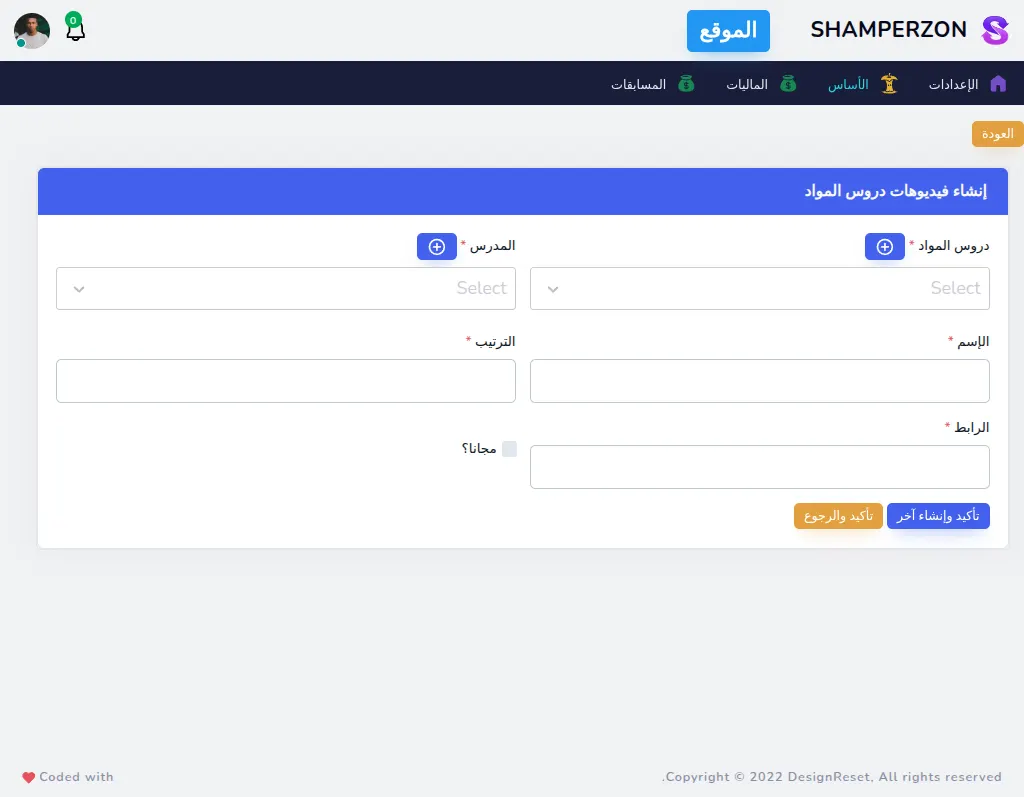
Admin Subject Lesson Videos Create
What this page has:
- a form to create a Subject Lesson Videos
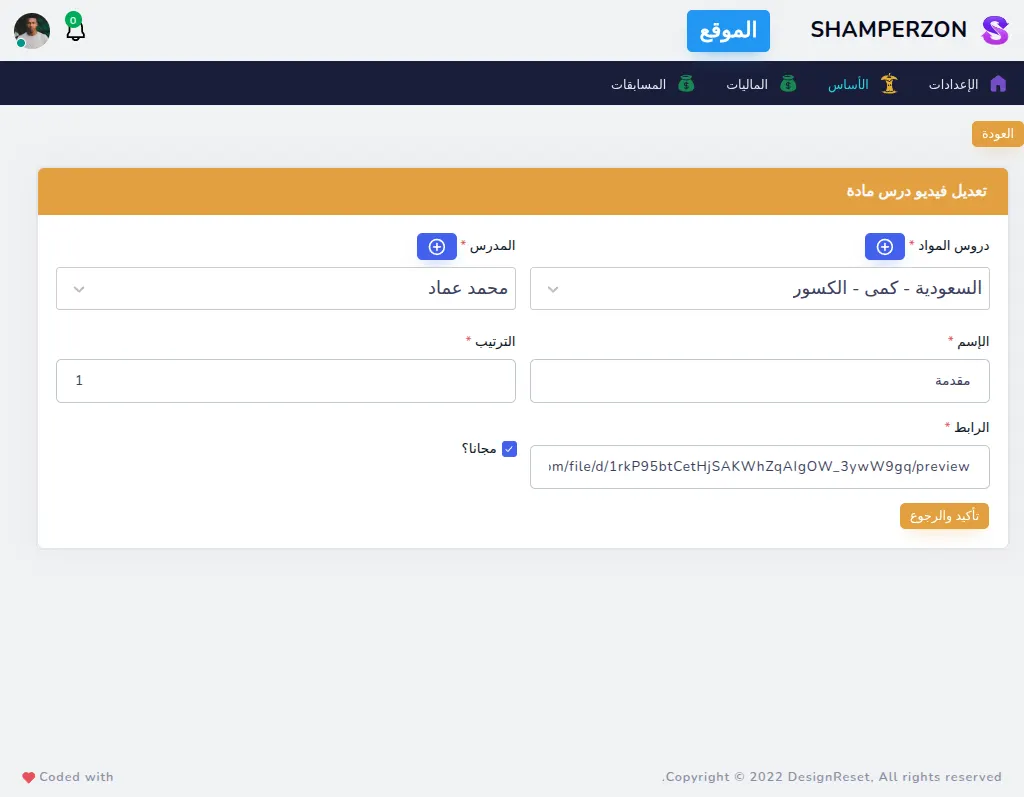
Admin Subject Lesson Videos Edit
What this page has:
- a form to edit a Subject Lesson Videos
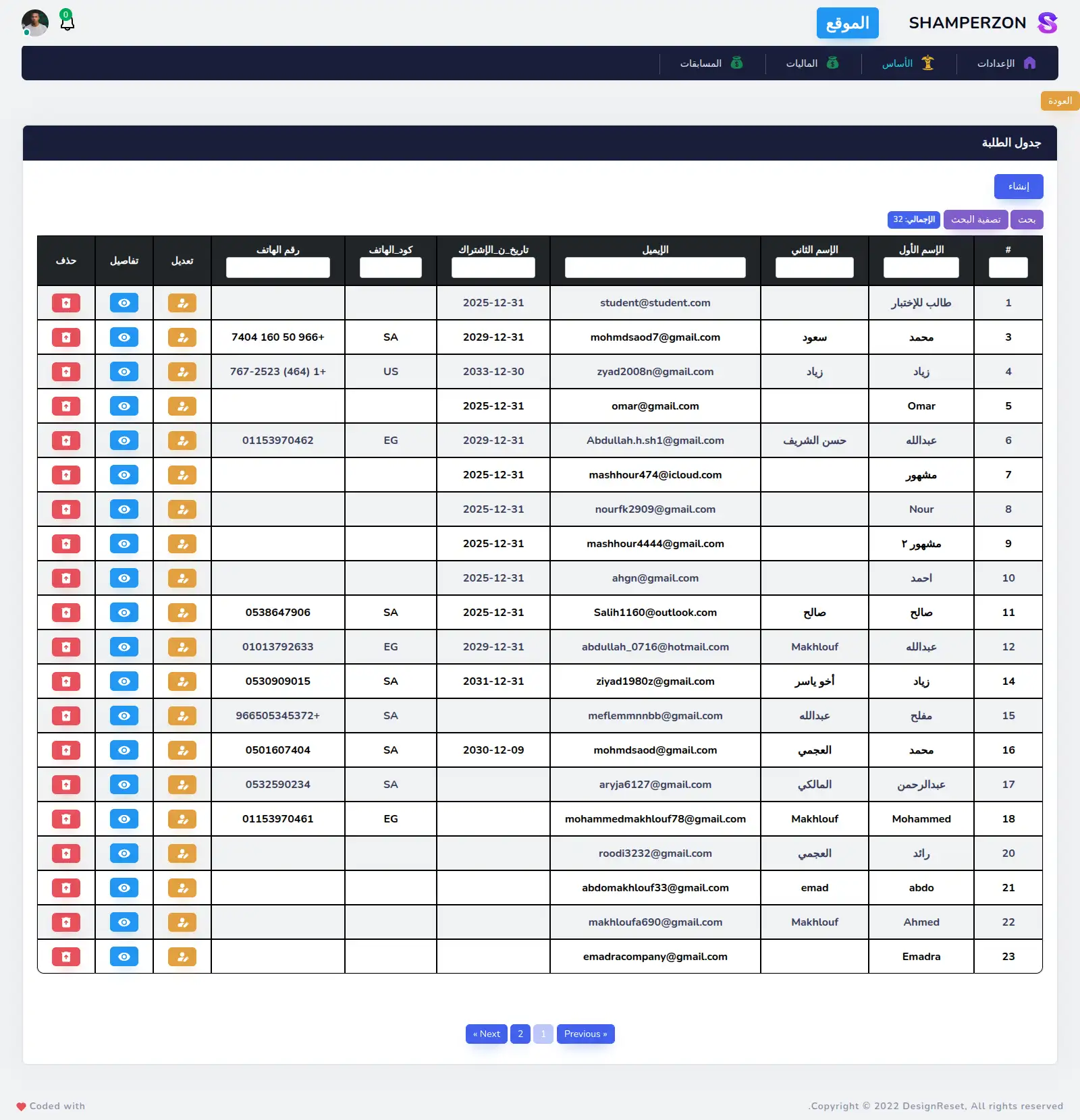
Admin Students Table
What this page has:
- a table of the Students.
- a link to create a Students
- a button to edit each Students
- a button to delete each Students that shows a confirmation modal.
- the ability to filter the data
- pagination
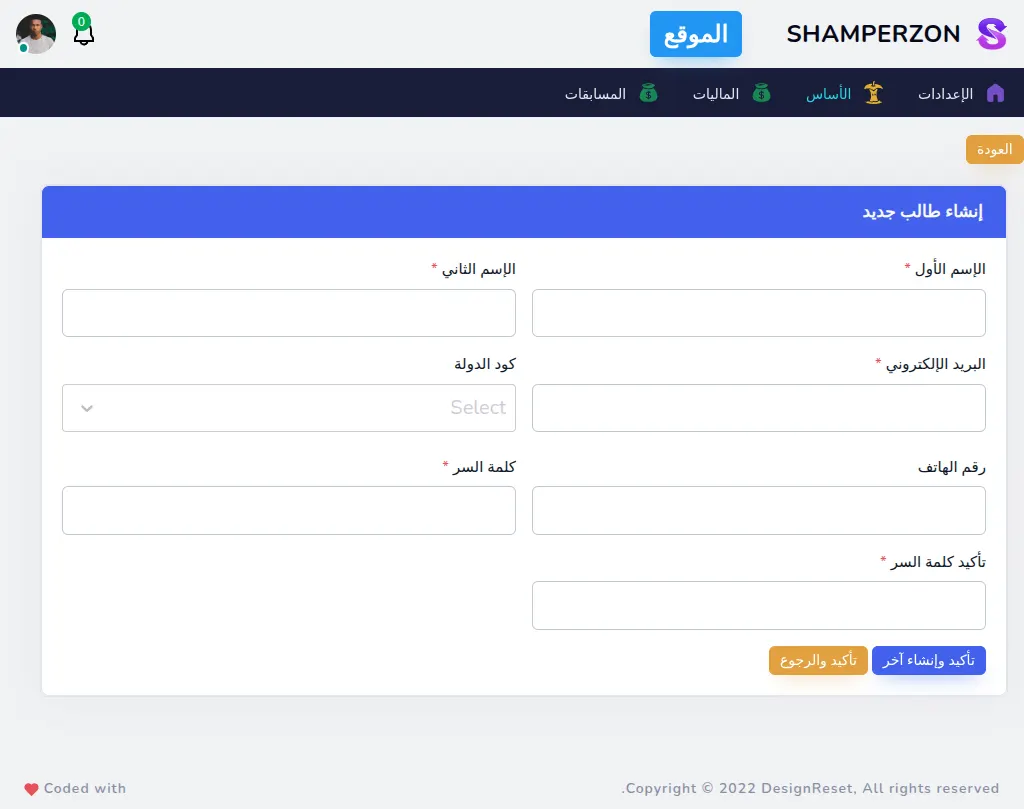
Admin Students Create
What this page has:
- a form to create a Students
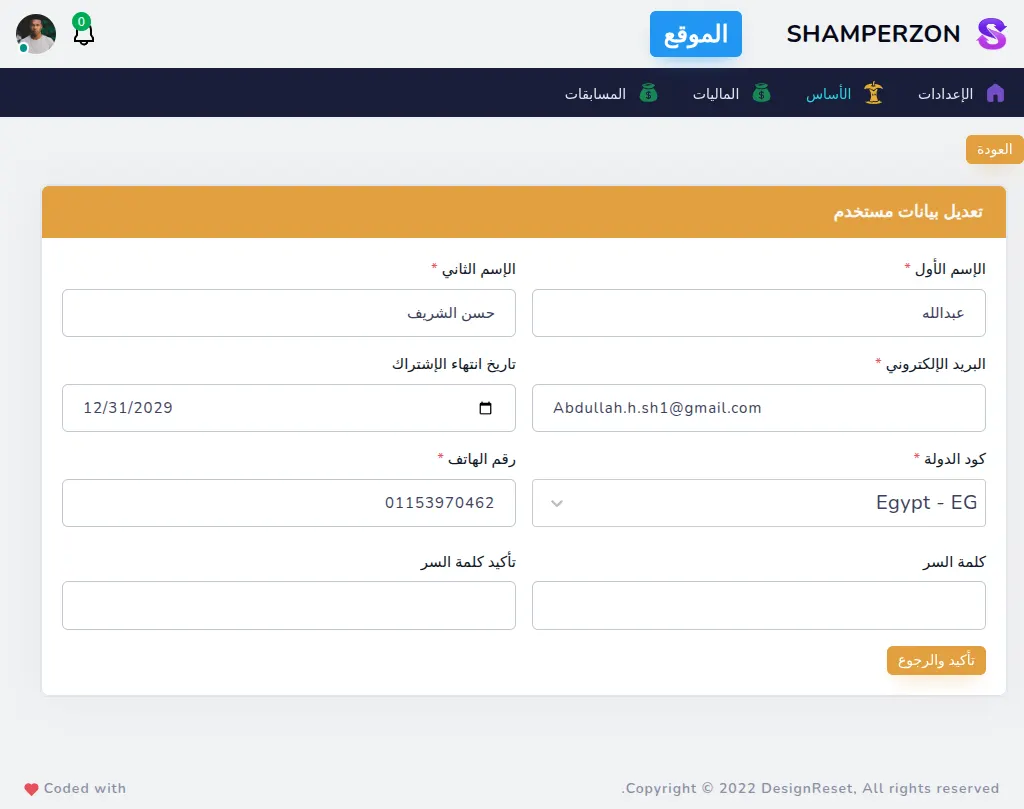
Admin Students Edit
What this page has:
- a form to edit a Students
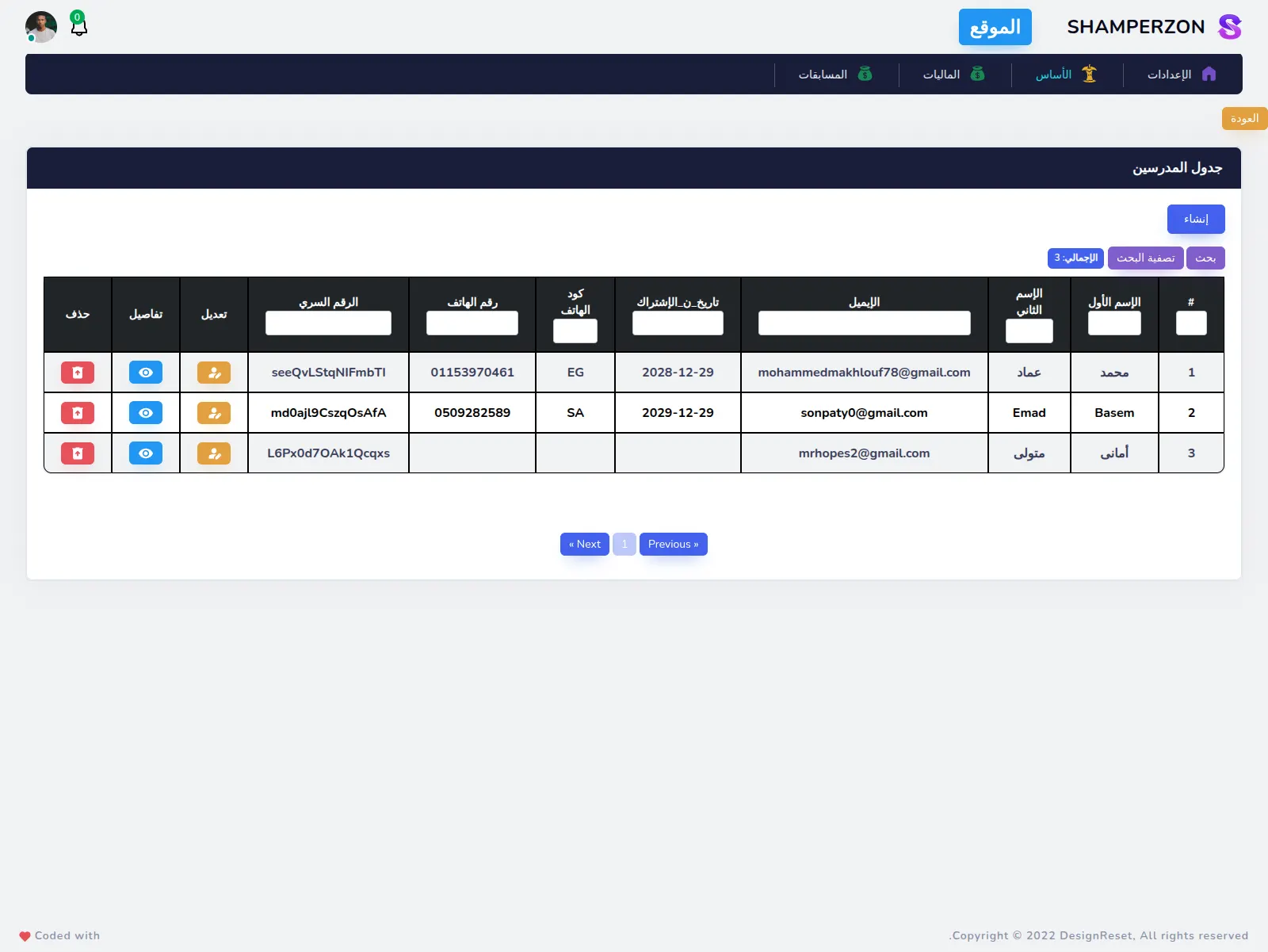
Admin Teachers Table
What this page has:
- a table of the Teachers.
- a link to create a Teachers
- a button to edit each Teachers
- a button to delete each Teachers that shows a confirmation modal.
- the ability to filter the data
- pagination
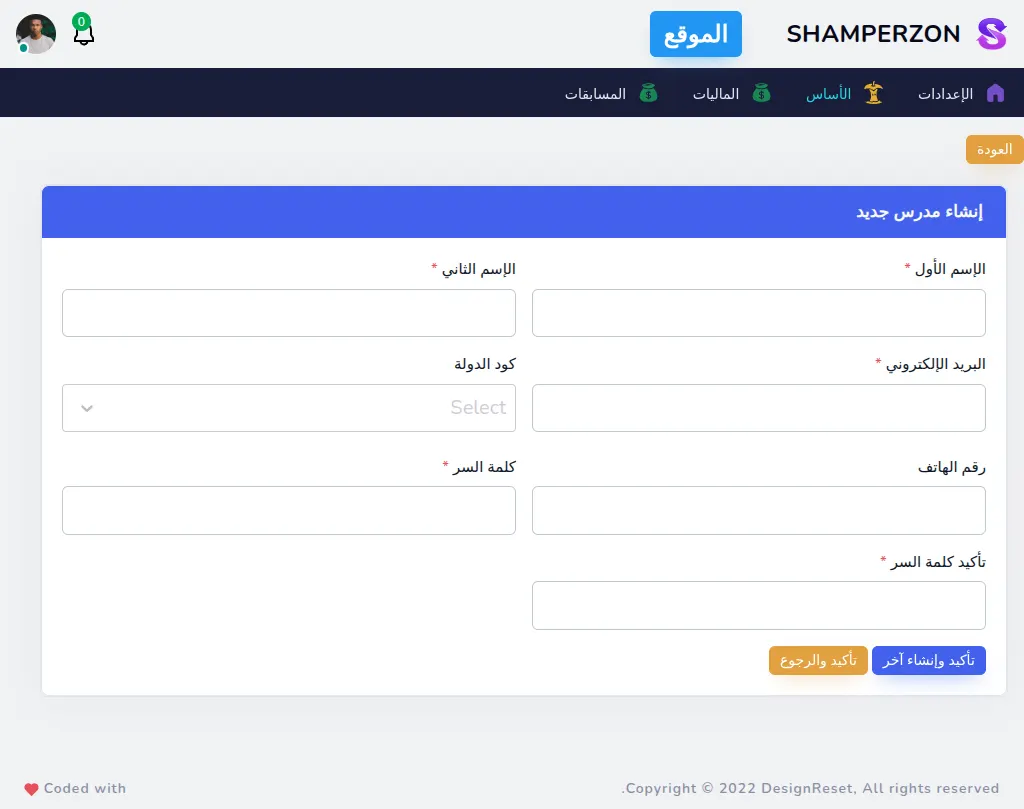
Admin Teachers Create
What this page has:
- a form to create a Teachers
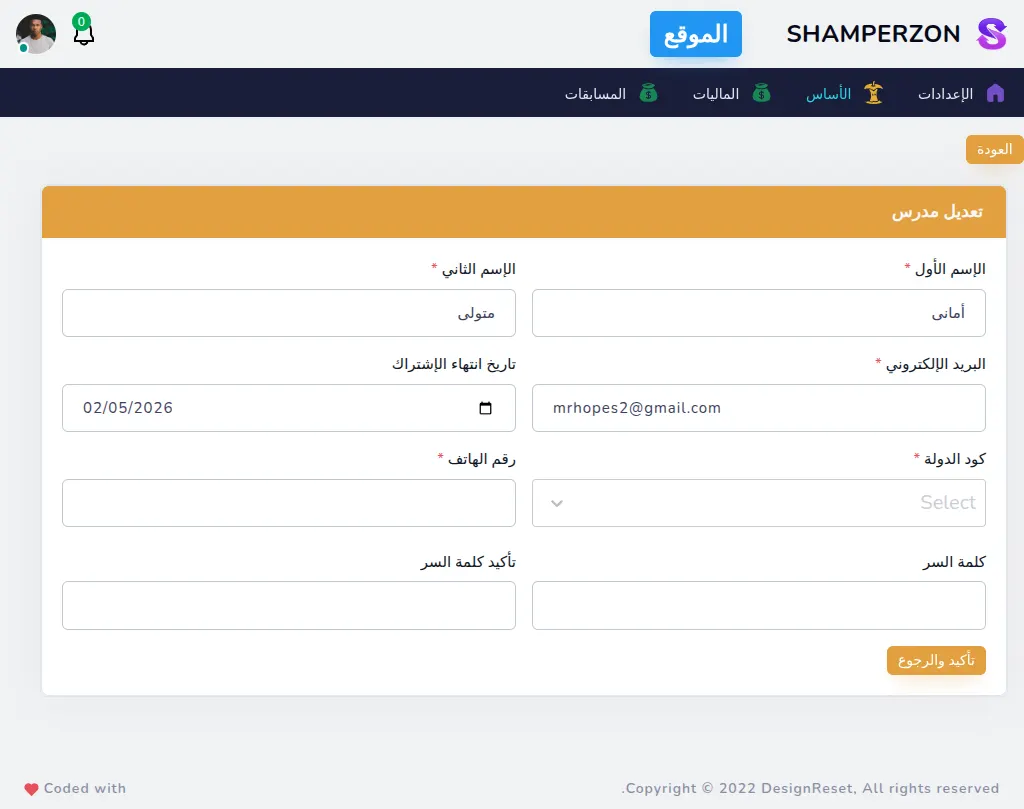
Admin Teachers Edit
What this page has:
- a form to edit a Teachers
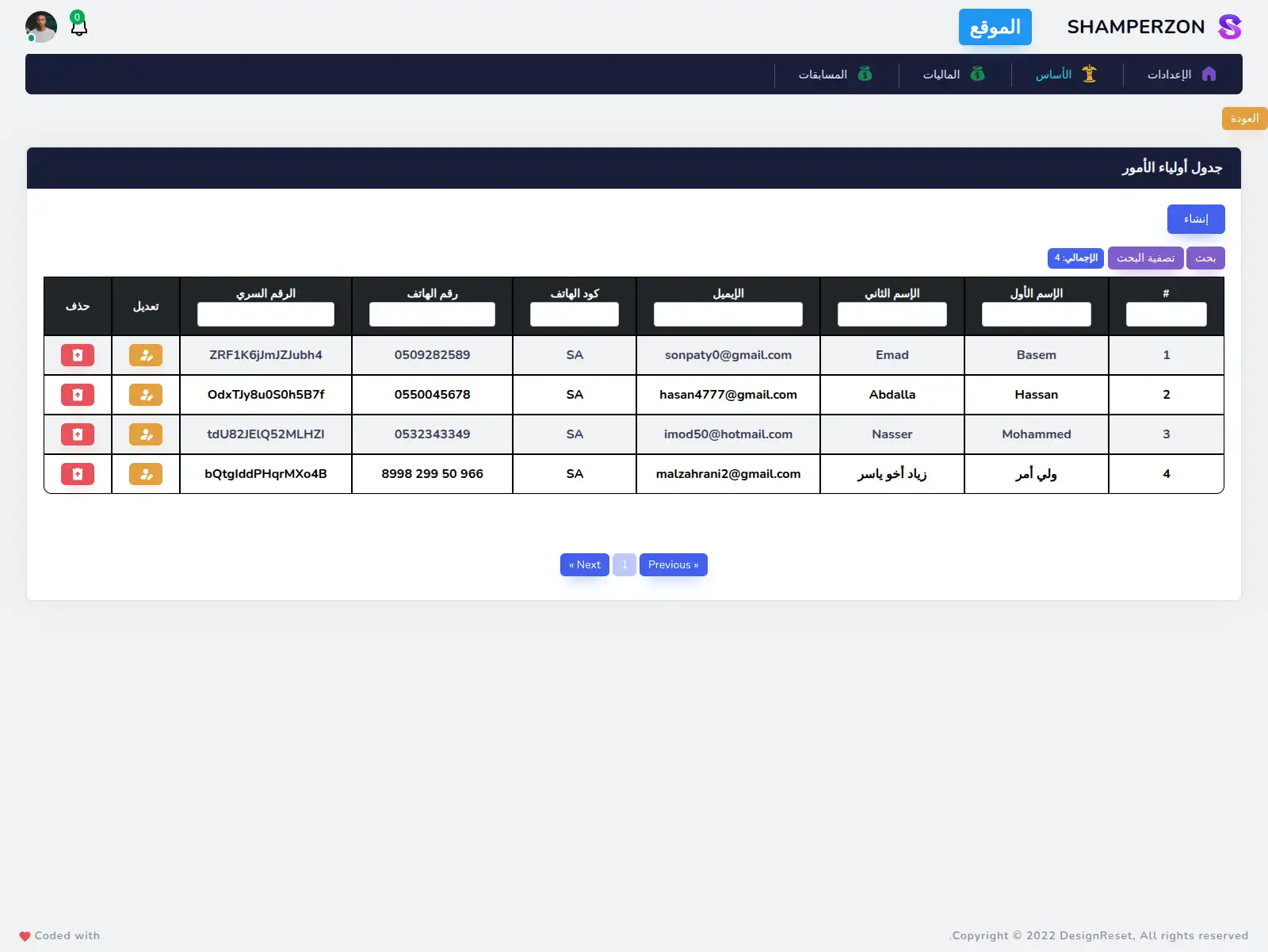
Admin Parents Table
What this page has:
- a table of the Parents.
- a link to create a Parents
- a button to edit each Parents
- a button to delete each Parents that shows a confirmation modal.
- the ability to filter the data
- pagination
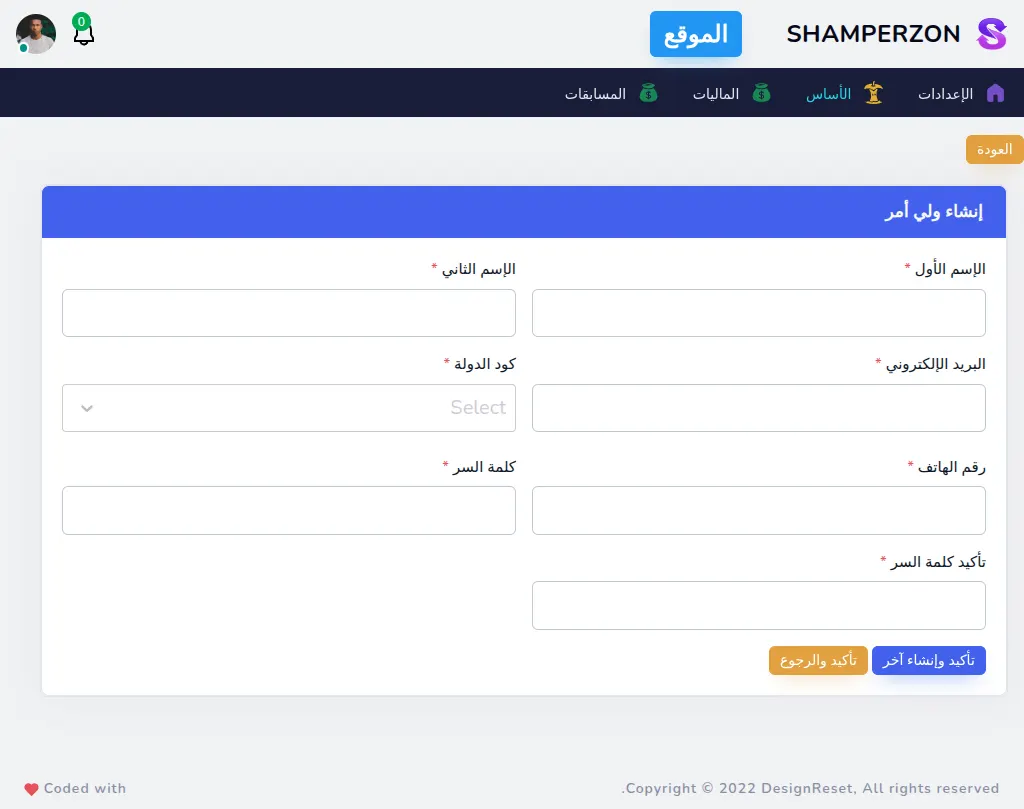
Admin Parents Create
What this page has:
- a form to create a Parents
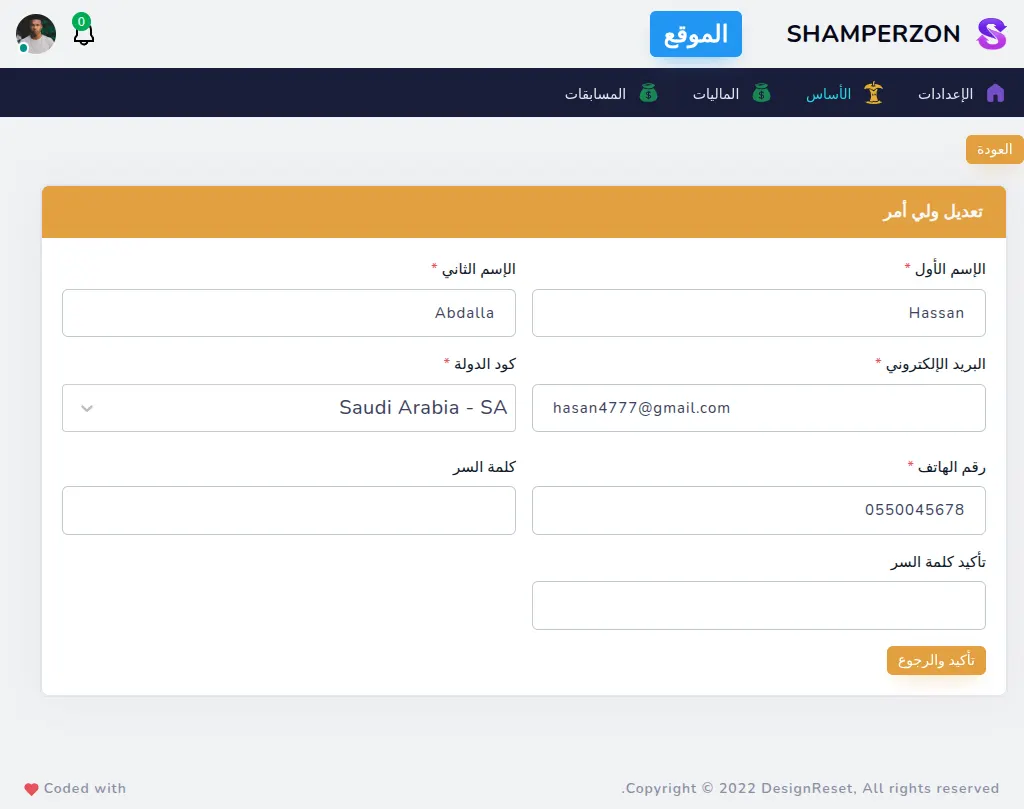
Admin Parents Edit
What this page has:
- a form to edit a Parents
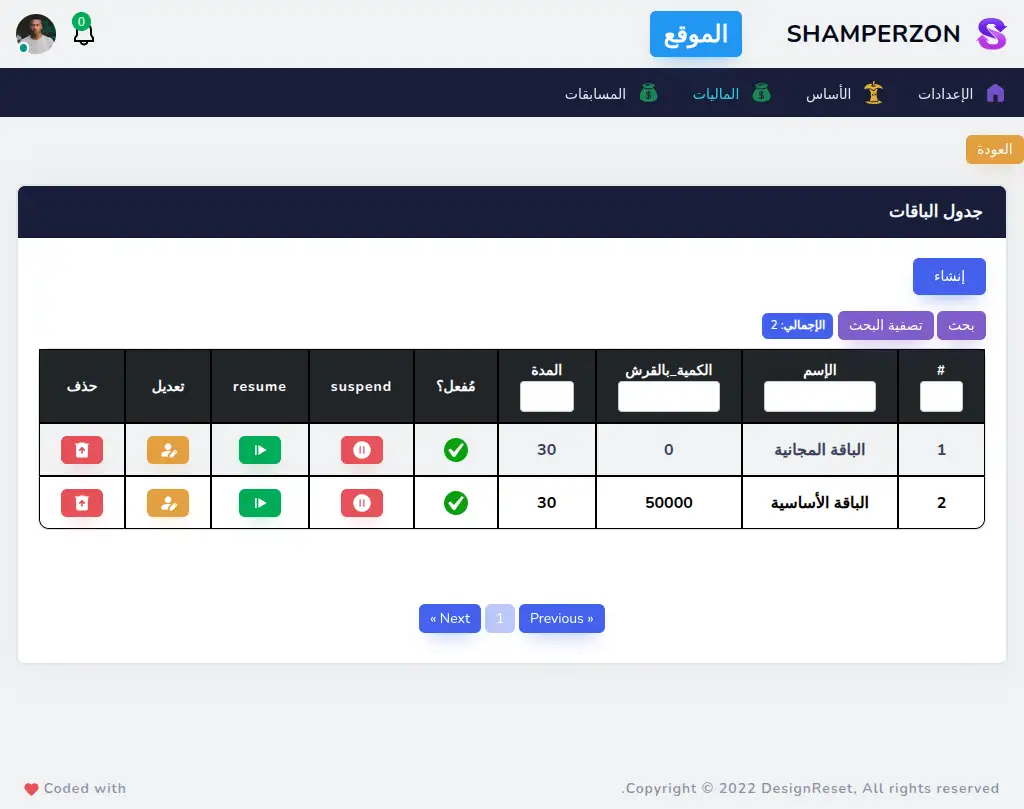
Admin Plans Table
What this page has:
- a table of the Plans.
- a link to create a Plans
- a button to edit each Plans
- a button to delete each Plans that shows a confirmation modal.
- the ability to filter the data
- pagination
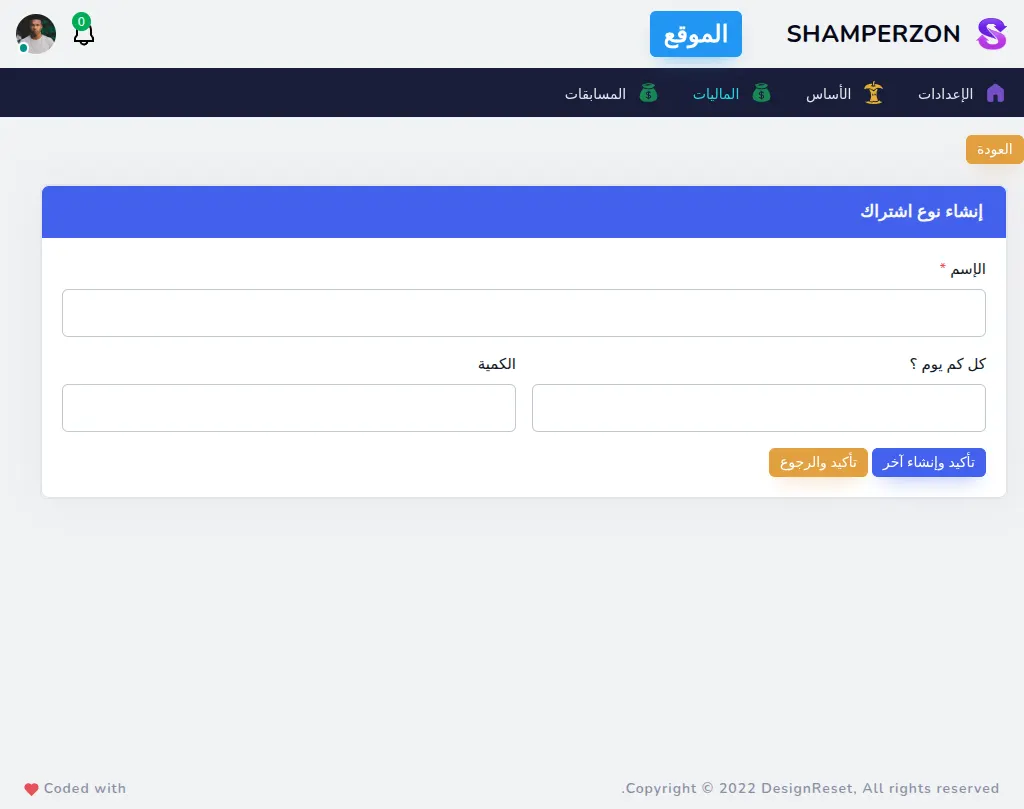
Admin Plans Create
What this page has:
- a form to create a Plans
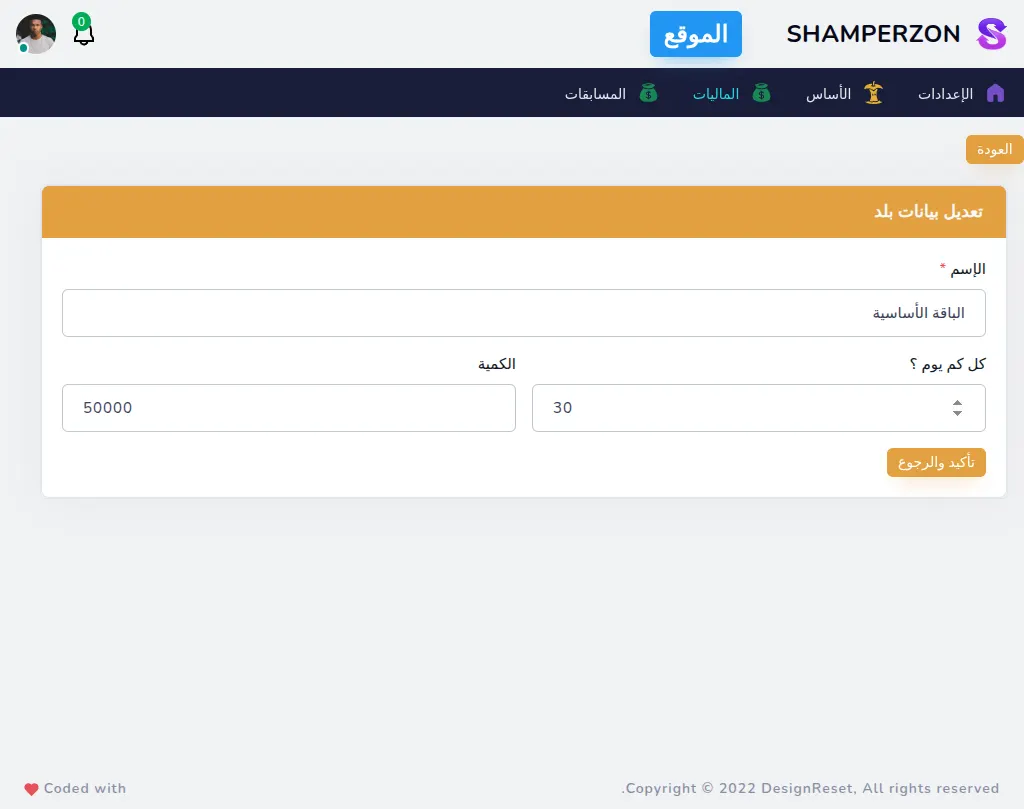
Admin Plans Edit
What this page has:
- a form to edit a Plans
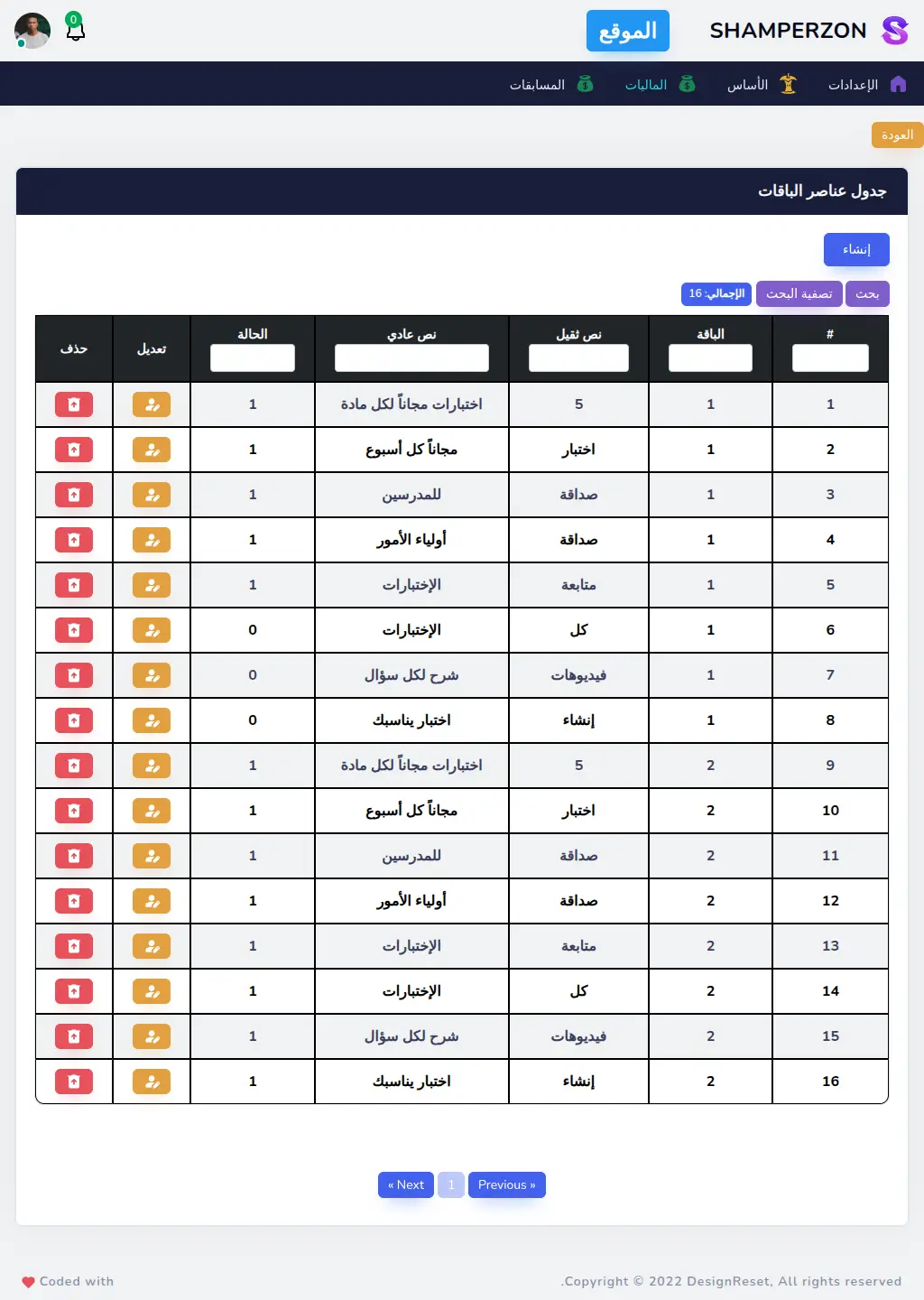
Admin Plan Features Table
What this page has:
- a table of the Plan Features.
- a link to create a Plan Features
- a button to edit each Plan Features
- a button to delete each Plan Features that shows a confirmation modal.
- the ability to filter the data
- pagination
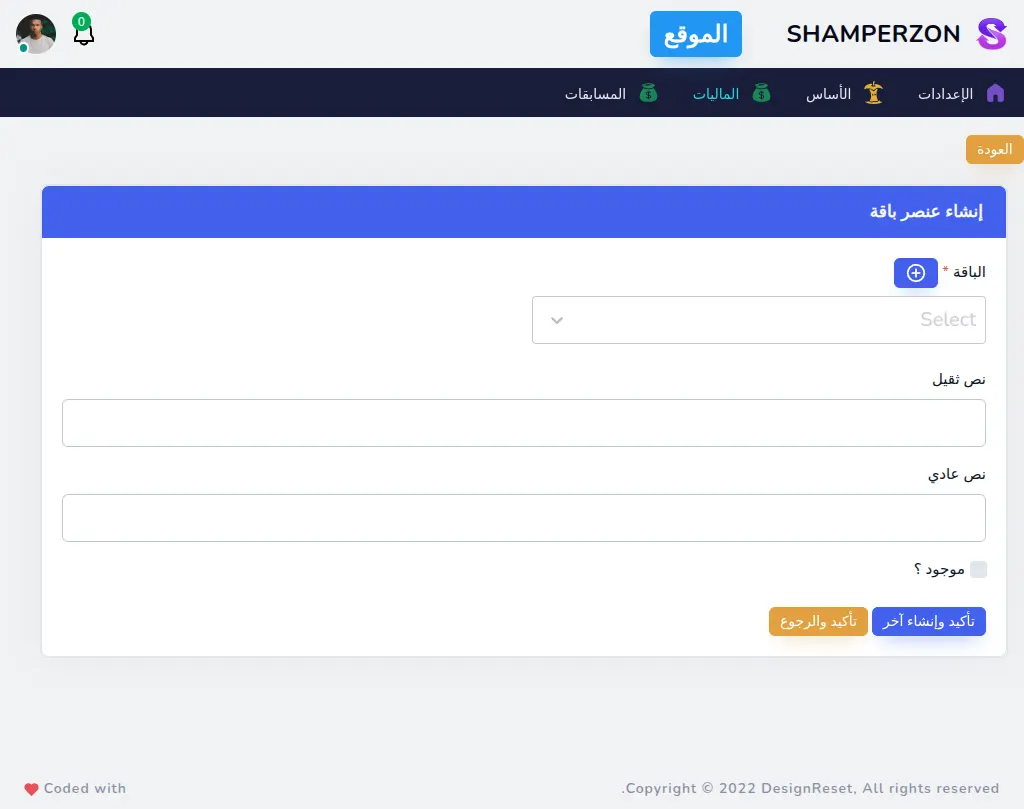
Admin Plan Features Create
What this page has:
- a form to create a Plan Features
Admin Plan Features Edit
What this page has:
- a form to edit a Plan Features